Overview
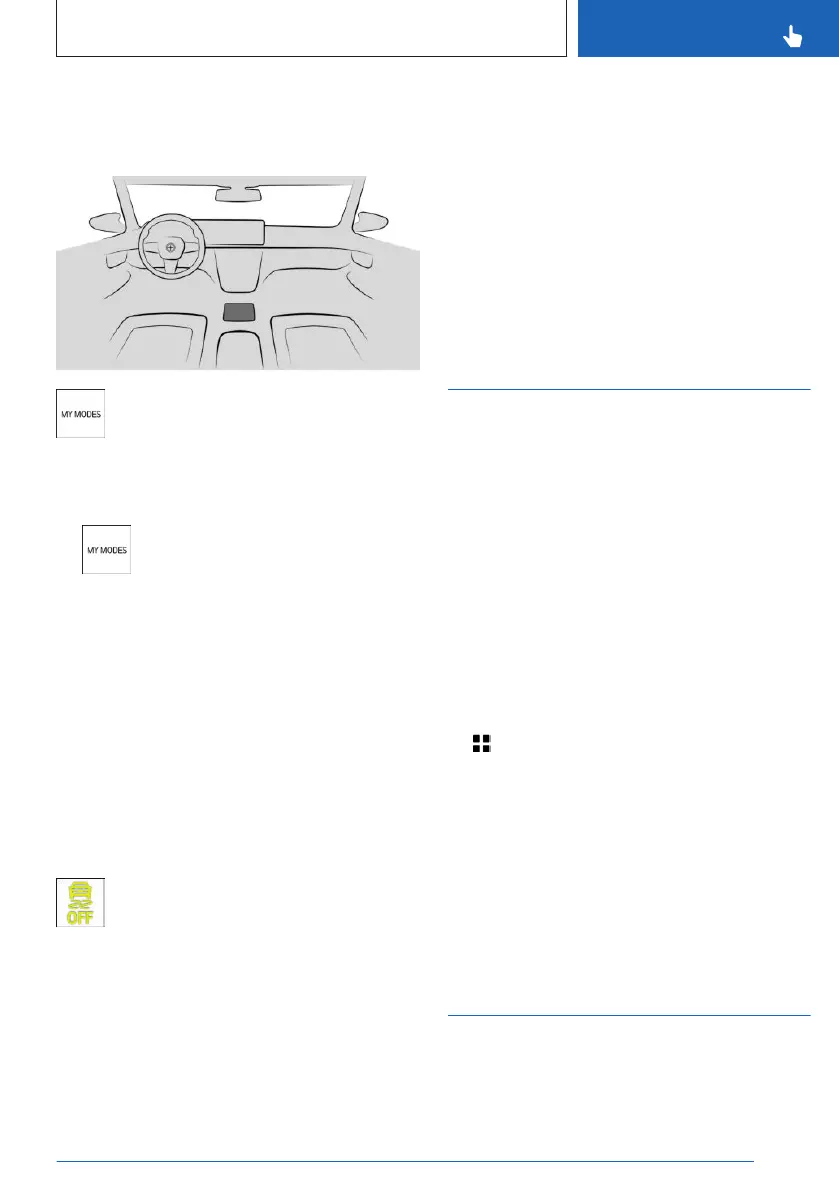
Button in the vehicle
My Modes
Activating/deactivating increased
driving dynamics
1.
Press the button.
2. "Switch mode"
3. "SPORT"
4. "Settings"
5. "Driving dynamics"
6. "SPORT PLUS"
Dynamic Stability Control is activated when
changing to another drive mode.
"SPORT": the last setting applied to Dynamic
Stability Control remains saved in the mode.
Display in the instrument cluster
Indicator light illuminates: Increased
driving dynamics activated.
Automatic program change
The increased driving dynamics will be deacti-
vated automatically, for instance in the follow-
ing situations:
▷
When the Distance Control is activated.
▷ In case of a brake intervention by For-
ward Collision Mitigation. Deactivate For-
ward Collision Mitigation as necessary.
▷ If the suspension control system fails.
▷ The vehicle has a flat tire.
Additional information:
Forward Collision Mitigation with brake inter-
vention, refer to page 180.
Drive-off support
Principle
The moving-off support offers the best possi-
ble traction when moving off in certain situa-
tions on difficult ground such as on snow or
sand.
General information
The function provides maximum drive power
with adapted driving stability in the low speed
range.
Activating/deactivating the drive-off
support
1.
Apps menu
2. "Vehicle"
3. "Driving settings"
4. "Drivetrain and chassis"
5. "Drive-off support"
6. "Activate once" or "Deactivate"
The drive-off support remains active until it is
deactivated or the driving mode is changed.
BMW xDrive
Principle
BMW xDrive is the all-wheel-drive system of
the vehicle. Concerted action by the BMW
Seite 215
Driving stability control systems
CONTROLS
215
Online Edition for Part no. 01405A88D67 - VI/23



 To Next Page