In selector lever position B, the vehicle will de-
celerate more than in selector lever position D
when rolling to a stop.
Engaging selector lever position P
Press the button.
The transmission lock is engaged and
the parking brake is engaged.
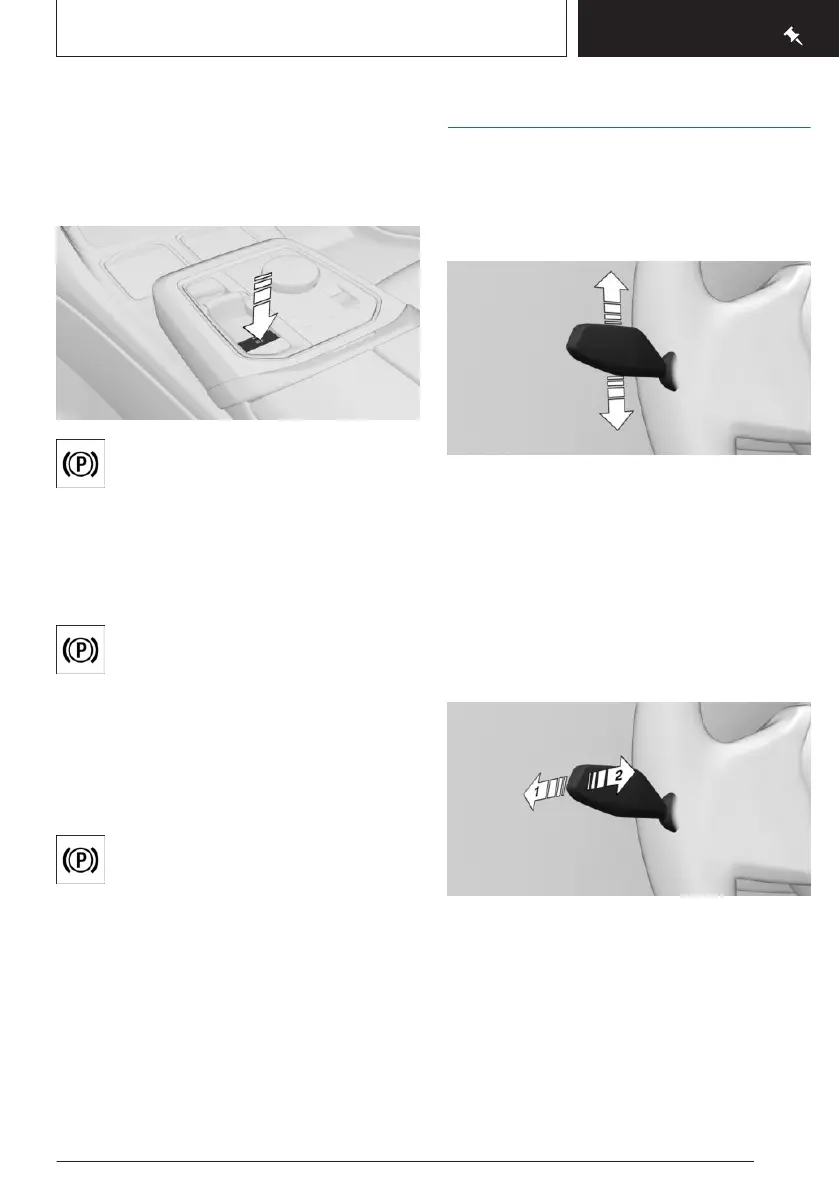
Parking brake
Setting the parking brake
Press the button.
The LED on the button and the indica-
tor light in the instrument cluster are
illuminated.
The parking brake is engaged and transmis-
sion lock is engaged.
Releasing the parking brake
Press button with selector lever posi-
tion P and activated drive-ready state.
With the brake pedal pressed and
drive-ready state switched on, press the but-
ton.
The LED and the indicator light go out.
The parking brake is released.
Parking
Make sure the parking brake is engaged.
Light and view
Turn signal, high beams, headlight
flasher
Turn signal
▷ Flashing: press the lever past the resist-
ance point.
▷ One-touch signaling: lightly tap the lever up
or down.
▷ Brief flashing: press the lever to the resist-
ance point and hold it there for as long as
you want the turn signal to flashing.
High beams, headlight flasher
Press the lever forward or pull it backward.
▷
High beams on, arrow 1.
The high beams illuminate when the low
beams are switched on.
▷ High beams off/headlight flasher, arrow 2.
Seite 25
On the road
QUICK REFERENCE
25
Online Edition for Part no. 01405A88D67 - VI/23



 To Next Page