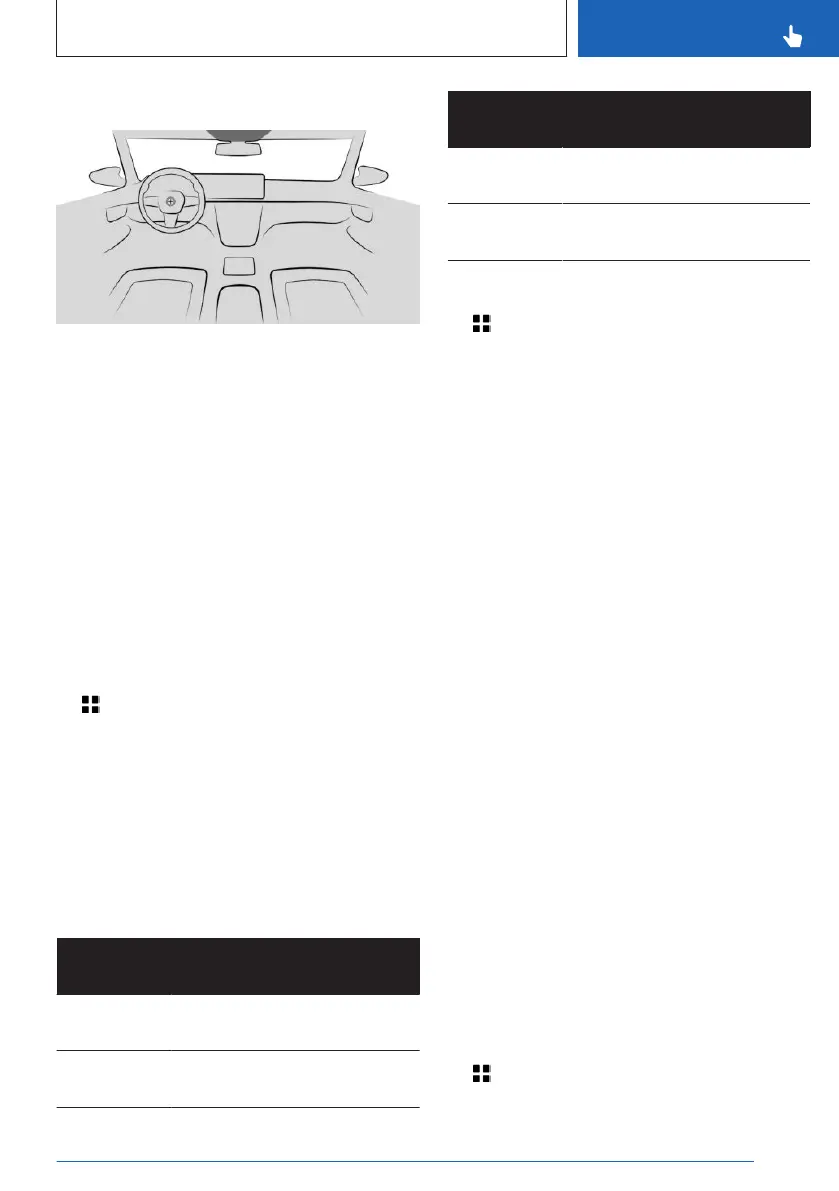
Overview
The interior camera is located on the head-
liner.
Additional information:
Around the headliner, refer to page 33.
Activating/deactivating interior
camera
Prior to the first use of the interior camera,
the recording function and, if necessary, data
transfer must be activated. To do this, confirm
the query on the control display.
Follow applicable legal regulations.
The recording function or data transfer can be
deactivated or activated.
1.
Apps menu
2. "All apps"
3. "Interior camera"
4. "Settings"
5. Select the desired setting.
Interior camera
Recording mode
Recording
mode
Function
"Single
photo"
Shortly after triggering, a
photo will be taken.
"Smile" When the system detects a
smile, a picture will be taken.
Recording
mode
Function
"Self-timer
(3 sec.)"
After the timer has expired, a
photo will be taken.
"Burst
mode"
Shortly after triggering, a ser-
ies of pictures will be taken.
Take picture
1. Apps menu
2. "All apps"
3. "Interior camera"
4. "Photo"
5. Select desired recording mode.
6. Triggering a photo.
Depending on the selected recording mode,
the photo is taken shortly after triggering,
when a smile is recognized, or if the timer has
elapsed.
For burst shots, the series of pictures will be
displayed as a preview.
Recording video
1.
"MENU"
2. "All apps"
3. "Interior camera"
4. "Video"
5. Start video recording.
You can only record video for a certain time.
Displaying and managing
recordings
Saved recordings can be displayed, transferred
and deleted in the vehicle.
In some national-market versions, the record-
ings are only shown on the control display
for up to approx. 2 mph/3 km/h for your own
safety.
1.
Apps menu
2. "All apps"
Seite 297
Interior equipment
CONTROLS
297
Online Edition for Part no. 01405A88D67 - VI/23



 To Next Page