73n
Index Data Technology Repairs Car care Controls Overview
Computer
Adjustments
From ignition key position 1:
To set ahead: turn the button to the
right.
To set back: turn the button to the left.
The adjustment speed will increase the
longer you continue to hold the button.
To change the display mode: press the
knob briefly. Every time you press the
knob, the clock display alternates
between the 12-hour or 24-hour mode.
In ignition key position 0: the time is
displayed for a few seconds after you
press the left button (refer to "Odom-
eter", page 69).
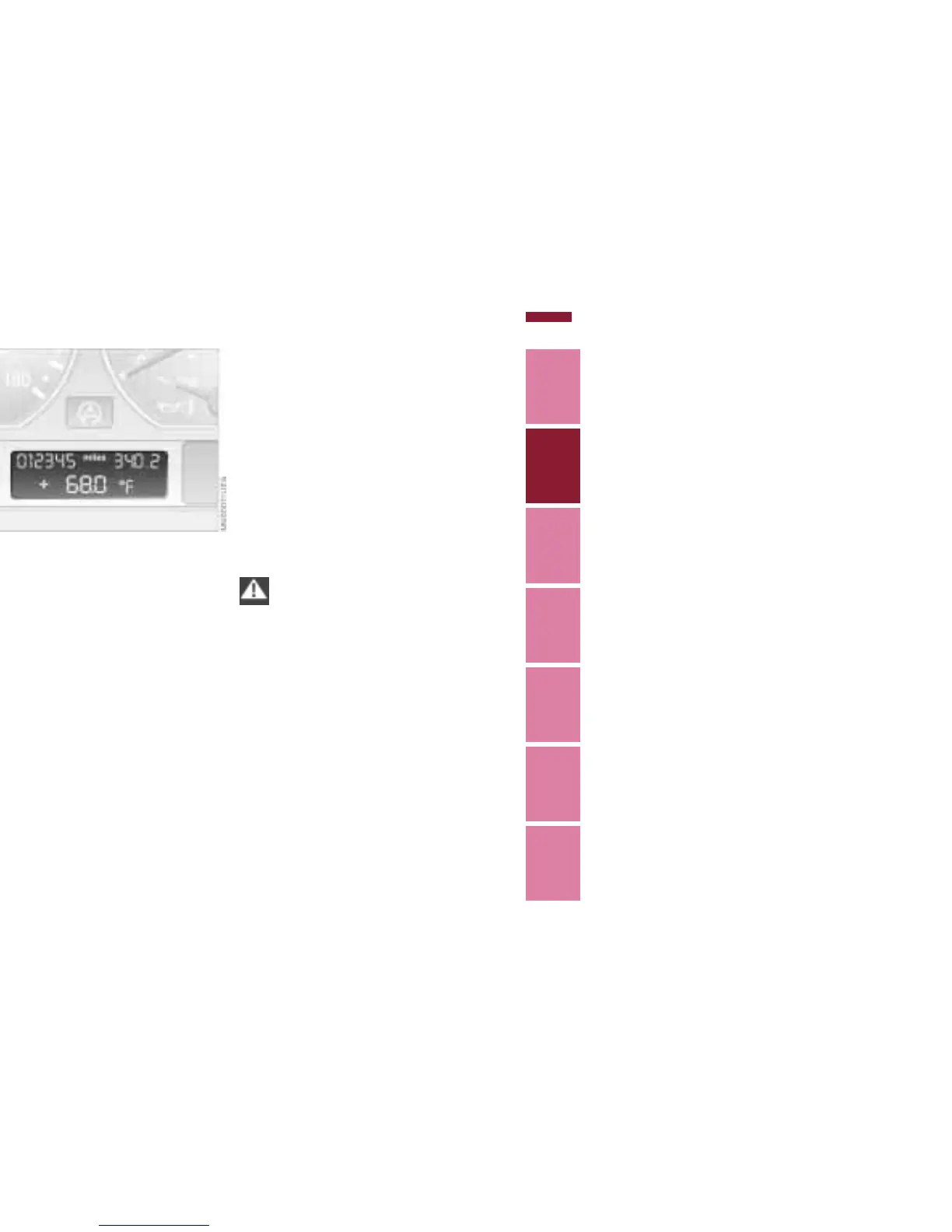
Outside temperature
You can change the units of measure
(6/7) for the outside temperature
display by pressing the right-hand reset
button in the instrument cluster while
the temperature display is active.
Ice warning
If the outside temperature drops to
about 37.5 7 (+3 6), then the
computer will automatically switch to
show the outside temperature. In addi-
tion, a signal sounds as a warning and
the display flashes for a brief period.
This warning will repeat itself whenever
the temperature has reached at least
43 7 (+6 6) since the last warning,
and has then dropped further to
37.5 7 (+3 6).
Ice warnings do not exclude the
possibility that surface ice can still
occur at temperatures above 37.5 7
(+3 6), e.g. on bridges and shady
roads.<


 To Next Page