77n
OverviewControlsMaintenanceRepairsDataIndex
Display
The following information or conditions
are displayed from ignition key
position 2 on, until the cause has been
corrected:
1 Inspect the low-beam and high-beam
headlamps, as well as the parking
lamps
2 Door open
3 Luggage compartment lid open
4 Check brake and tail lamps
After completion of a trip and upon
opening the driver's door, an acoustic
signal will sound yet not be displayed,
as a reminder that the low-beam head-
lamps have not been turned off.
If you wish to have a permanent time
display, you can make this adjustment
in the car radio
* display (refer to the
Radio Owner's Manual).
You can set the time of day, and the
display for the car radio
*, as follows.
Adjustments
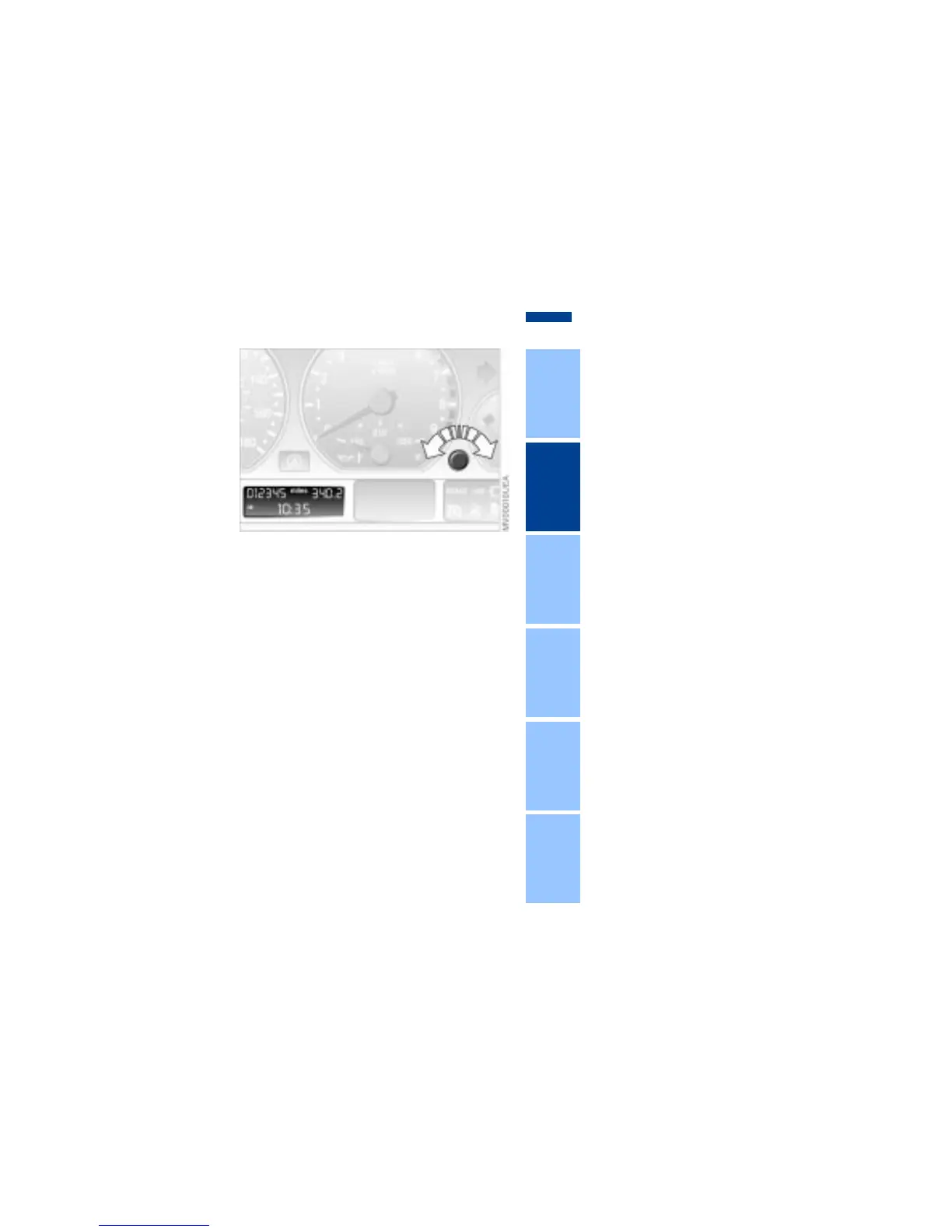
From ignition key position 1 the time of
day appears in the display.
To set ahead: turn the button to the
right.
To set back: turn the button to the left.
The adjustment speed will increase the
longer you continue to hold the button.
To change the display mode: press the
knob briefly. Every time you press the
knob, the clock display alternates
between the 12-hour or 24-hour mode.
In ignition key position 0: the time is
displayed for a few seconds after you
press the left button (refer to
"Odometer" on page 75).
Check Control Clock



 To Next Page