Adjusting the display of the trip
data
The intervals for the display of the trip data in the
instrument cluster and on the Control Display are
adjustable.
1. "CAR"
2. "Driving information"
3. "Trip data"
4. "Data since"
5. Select the desired setting:
▷ "Start of trip ( )": the values are automati‐
cally reset approx. four hours after the ve‐
hicle has come to a standstill.
▷ "Refueling ( )": the values are automati‐
cally reset after refueling with a larger
quantity of fuel.
▷ "Factory": Average consumption
since delivery from the factory.
The values since the time of the factory
delivery are displayed.
▷ "Individual ( )": the values since the last
manual reset are displayed. The values
can be reset at any time.
Resetting average values
manually
The following interval can be reset manually at
any time: "Individual ( )".
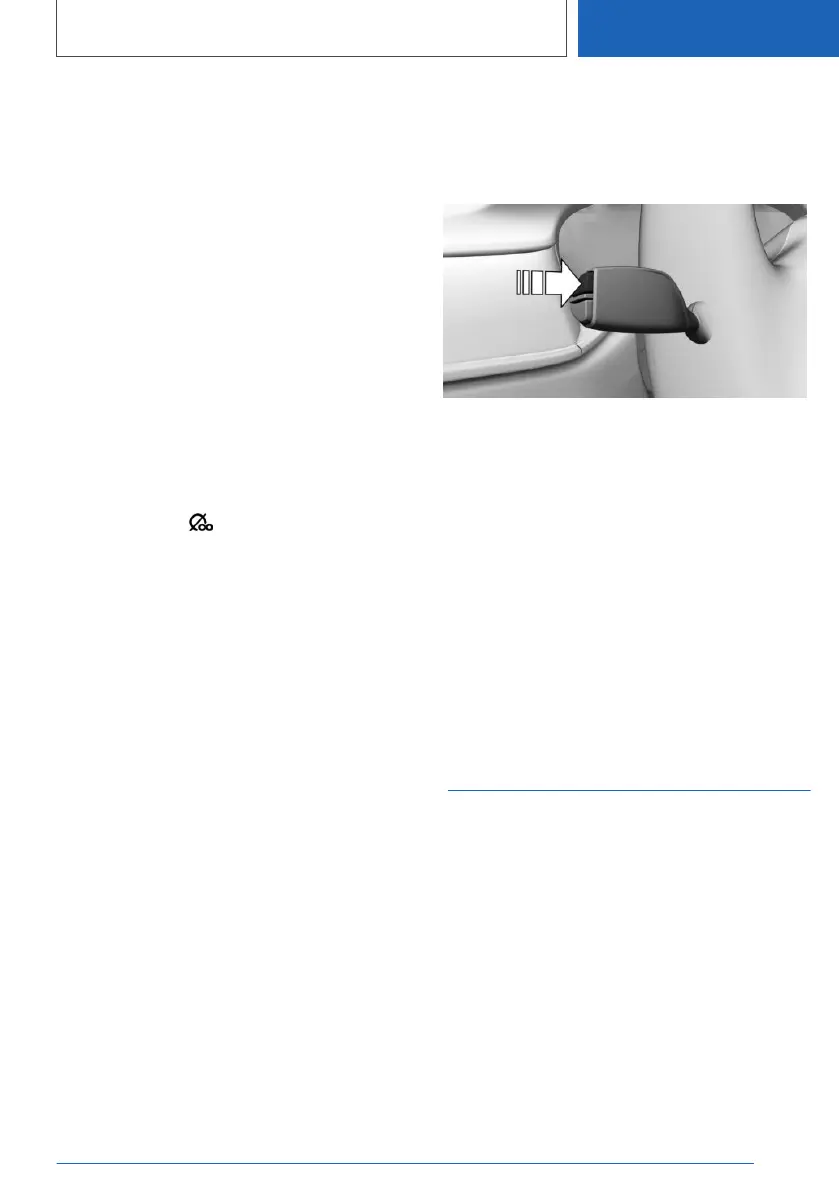
With the button on the turn signal lever:
1. Continue to press the button on the turn sig‐
nal lever until the widget for the trip data is
selected.
2. Press and hold the button on the turn signal
lever.
Via iDrive:
1.
"CAR"
2. "Driving information"
3. "Trip data"
4. "Data since"
5. "Reset individual"
The average values and counters are reset.
Once the average values and counters have
been reset, the following interval is automatically
set: "Individual ( )".
Sport displays
Concept
The Sport displays especially support a sporty
driving style.
Display on the Control Display
Overview
The following information is displayed:
▷ Boost pressure.
▷ Engine oil temperature.
▷ G-Meter.
Seite 163
Displays
CONTROLS
163
Online Edition for Part no. 01405A111C1 - VI/20









 To Next Page