87n
OverviewControlsMaintenanceRepairsDataIndex
Digital clock in MID
Entering switch-on times for
independent ventilation
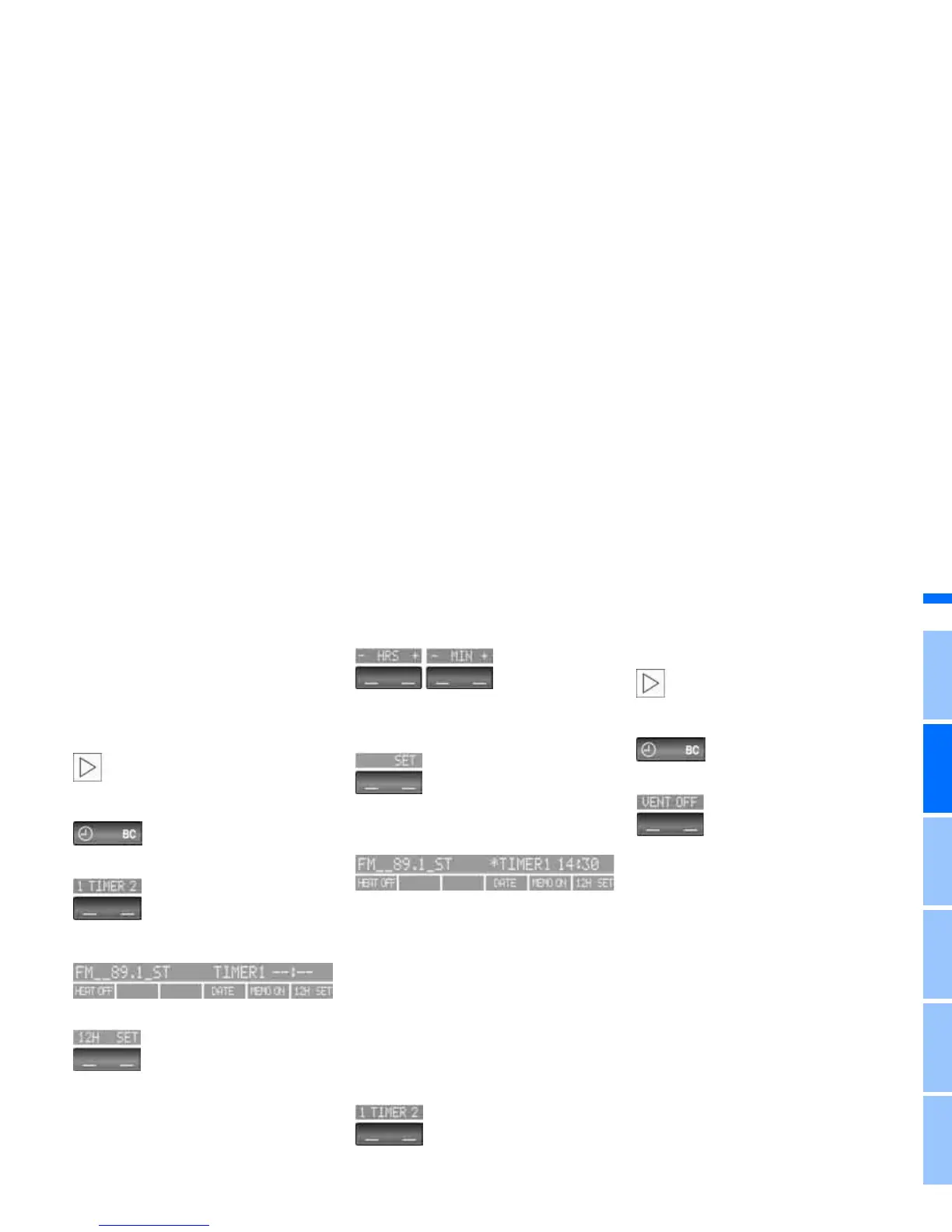
You can enter two different switch-on
times.
The ventilation will switch off automati-
cally after 30 minutes.
Please follow the instructions for
operating the independent ventila-
tion that start on page 116.<
Press the left side of the button.
Press on the left/right.
Display shows:
Press the right side of the button:
Display flashes, e.g. TIMER 1.
To enter the time:
Press on the left/right, or hold the but-
ton down.
To confirm the entry:
Press the right side of the button.
The activated time is marked with an
asterisk.
The switch-on times remain stored until
new entries are made.
You can change switch-on times that
have already been stored by making a
new time entry as described above.
When the switch-on time is active, the
LED comes on in the MID. During actual
operation of the ventilation, the LED
flashes. The LED goes out when the
system is switched off.
To activate/deactivate the time:
Press twice.
Directly switching independent
ventilation on and off
The independent ventilation func-
tion can only be called up in igni-
tion key position 1.<
Press the left side of the button.
Press.



 To Next Page