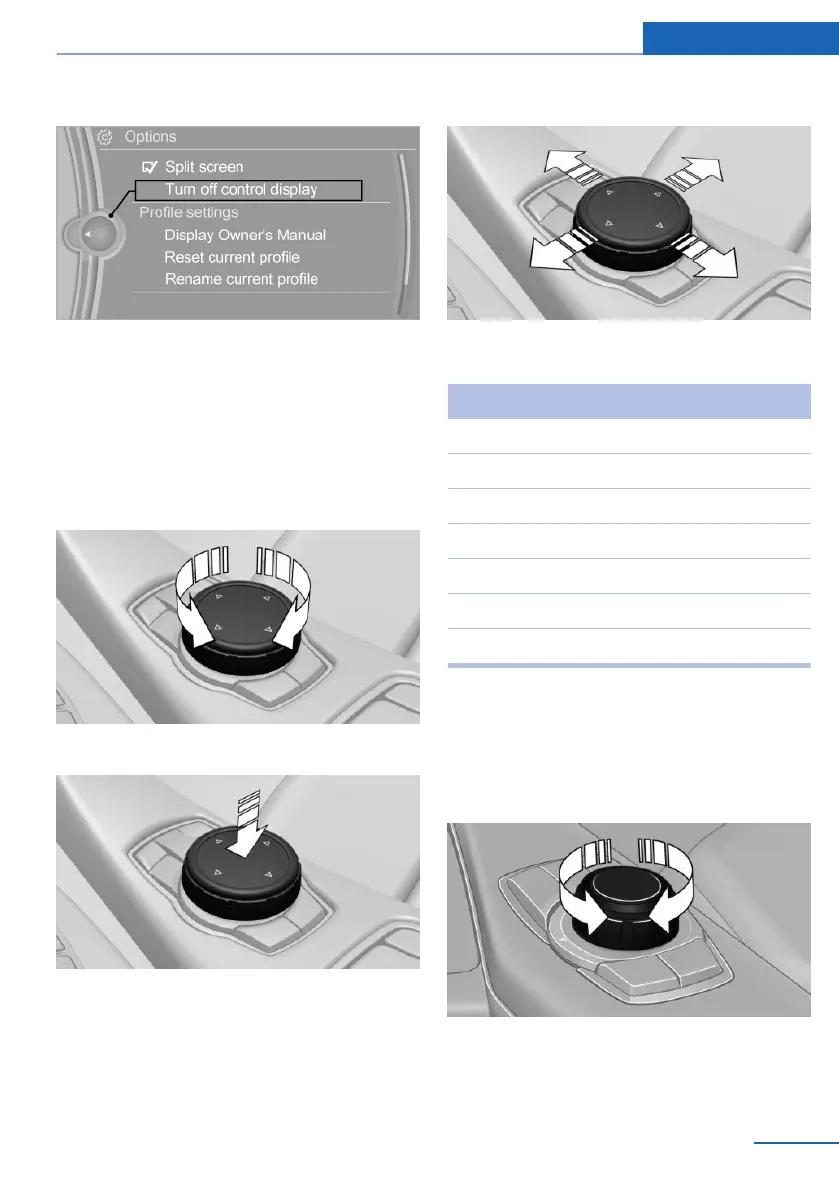
2. "Turn off control display"
Controller with navigation system
The buttons can be used to open the menus
directly. The controller can be used to select
menu items and enter the settings.
Some iDrive functions can be operated using
the touchpad on the controller.
1.
Turn.
2. Press.
3. Move in four directions.
Buttons on the controller
Button Function
MENU Opens the main menu.
RADIO Opens the Radio menu.
MEDIA Opens the Multimedia menu.
NAV Opens the Navigation menu.
TEL Opens the Phone menu.
BACK Displays the previous panel.
OPTION Open the Options menu.
Controller without navigation system
The buttons can be used to open the menus
directly. The controller can be used to select
menu items and enter the settings.
1.
Turn.
Seite 19
iDrive At a glance
19
Online Edition for Part no. 01 40 2 973 026 - VI/16



 To Next Page