played. Speed limits with extra text characters
are always displayed.
Speed limits for trailer towing will be displayed
when the trailer power socket is occupied or
trailer towing was activated via iDrive.
Safety information
Warning
The system cannot serve as a substitute for the
driver’s personal judgment in assessing visibility
and traffic situation. There is a risk of accident.
Adjust driving style to traffic conditions. Watch
traffic closely and actively intervene where ap‐
propriate.
Overview
Sensors
The system is controlled by the following sen‐
sors:
▷ Cameras behind the windshield.
Additional information:
Sensors of the vehicle, refer to page 37.
Displaying Speed Limit Info
General information
Depending on the vehicle equipment, Speed
Limit Info is displayed permanently in the instru‐
ment cluster or via iDrive.
Activating
1.
"CAR"
2. "Settings"
3. "Driver Assistance"
4. If necessary, "Driving"
5. "Speed Limit Assistance"
6. "Speed limits"
7. "Show current limit"
Display
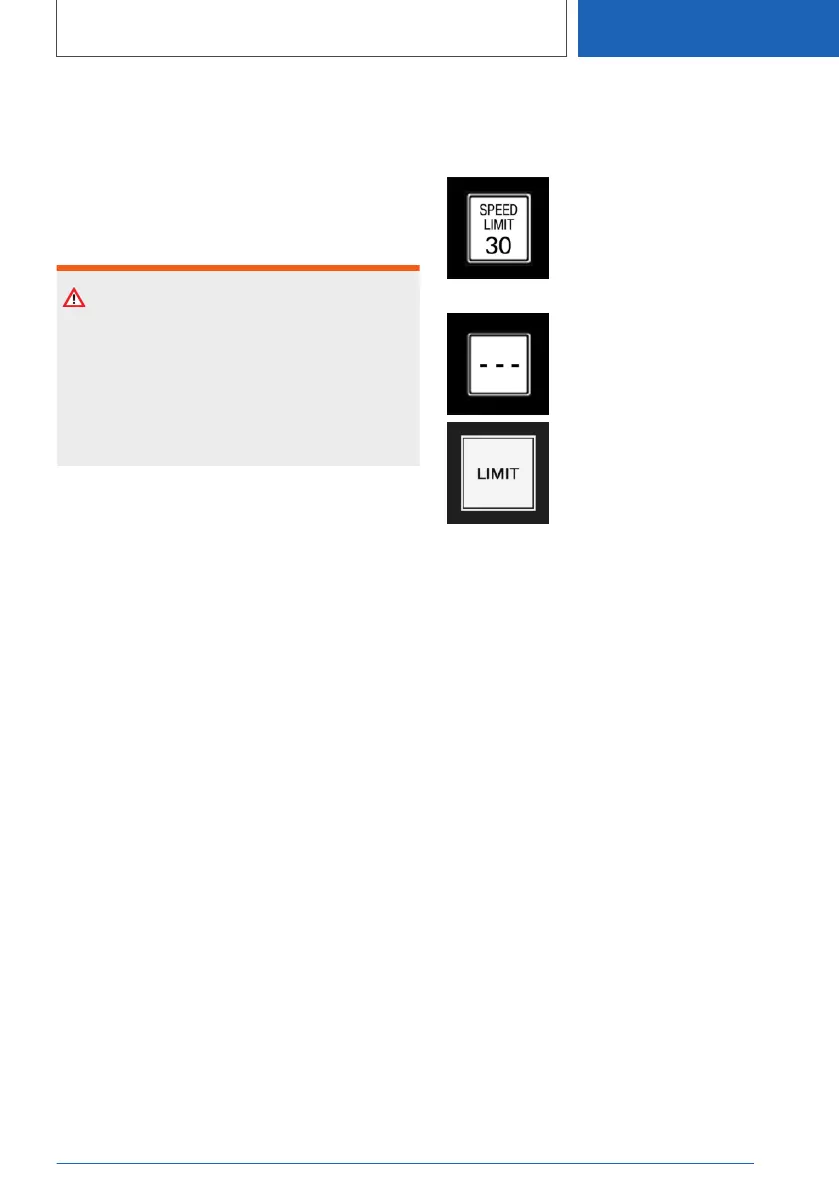
Speed Limit Info
Current speed limit.
Without a navigation system the
traffic signals are grayed out after
curves or longer stretches of
roadway.
Depending on the equipment,
Speed Limit Info not available.
If the detected speed limit has been exceeded,
the indicator light will flash.
Settings
1.
"CAR"
2. "Settings"
3. "Driver Assistance"
4. If necessary, "Driving"
5. "Speed Limit Assistance"
6. Select the desired setting:
▷ "Warn when speeding": activate/deacti‐
vate the flashing of the Speed Limit Info
display in the instrument cluster and,
where applicable, the Head-up Display
when the currently valid speed limit is ex‐
ceeded. The warning that is issued when
a speed limit is exceeded may depend on
the Speed Limit Assistant settings.
▷ "Excess speed display": the speed limit
that is detected by the Speed Limit Info is
displayed with a marking in the speedom‐
eter in the instrument cluster.
Seite 173
Displays
CONTROLS
173
Online Edition for Part no. 01405A37D22 - VI/21



 To Next Page