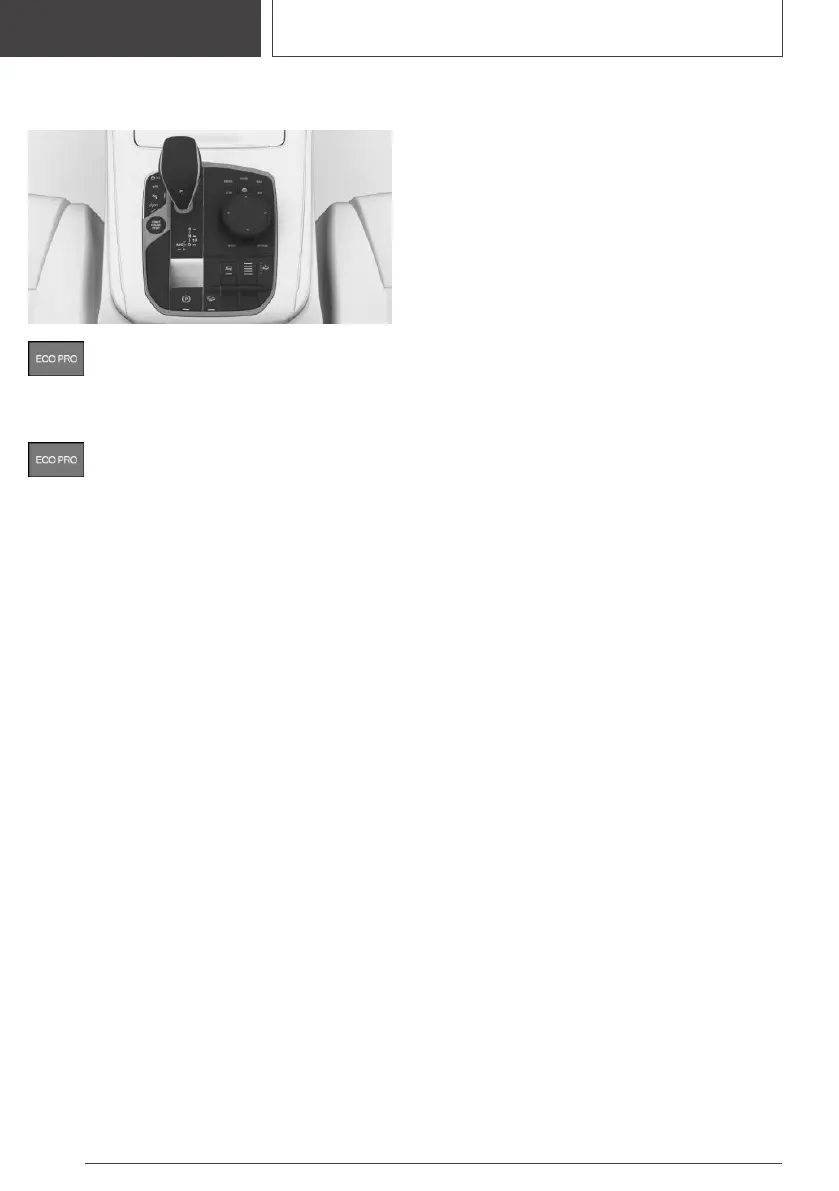
Overview
Button
Activating ECO PRO
Press the button. ECO PRO is displayed
in the instrument cluster.
Configuring ECO PRO
INDIVIDUAL
Via the Driving Dynamics Control
1.
Activate ECO PRO.
2. "ECO PRO INDIVIDUAL"
Via iDrive
1.
"CAR"
2. "Settings"
3. "Driving mode"
4. "ECO PRO INDIVIDUAL"
5. Select the desired setting.
ECO PRO limit speed
▷ "ECO PRO speed": activate ECO PRO
speed.
An ECO PRO tip is displayed if the speed of
the set ECO PRO limit is exceeded.
▷ "Notification at:"
Set the desired speed for the ECO PRO
speed.
Activating/deactivating ECO PRO
functions
The following ECO PRO functions can be acti‐
vated/deactivated:
▷ "Coasting"
▷ "ECO PRO seat heating"
▷ "ECO PRO climate control"
▷ "ECO PRO light and sight"
Coasting
Efficiency can be optimized by disengaging or
switching off the engine and coasting with the
engine idling.
ECO PRO seat climate control
The activation of ECO PRO will reduce the out‐
put of the seat heating.
ECO PRO climate control
Climate control is set to be efficient.
This means, it is possible to deviate slightly from
the set temperature or to heat or cool down the
car's interior more slowly, to economize on con‐
sumption.
ECO PRO light and sight
The output of exterior mirror heating and rear
window defroster is reduced.
Resetting the settings
Reset ECO PRO INDIVIDUAL to the standard
settings:
"Reset to ECO PRO STANDARD"
Displays in the instrument
cluster
General information
When ECO PRO driving mode is activated, the
display switches to a special configuration.
Seite 342
DRIVING TIPS
Saving fuel
342
Online Edition for Part no. 01405A37D22 - VI/21



 To Next Page