driving style to traffic conditions. Watch traffic
and vehicle surroundings closely and actively
intervene where appropriate.
Overview
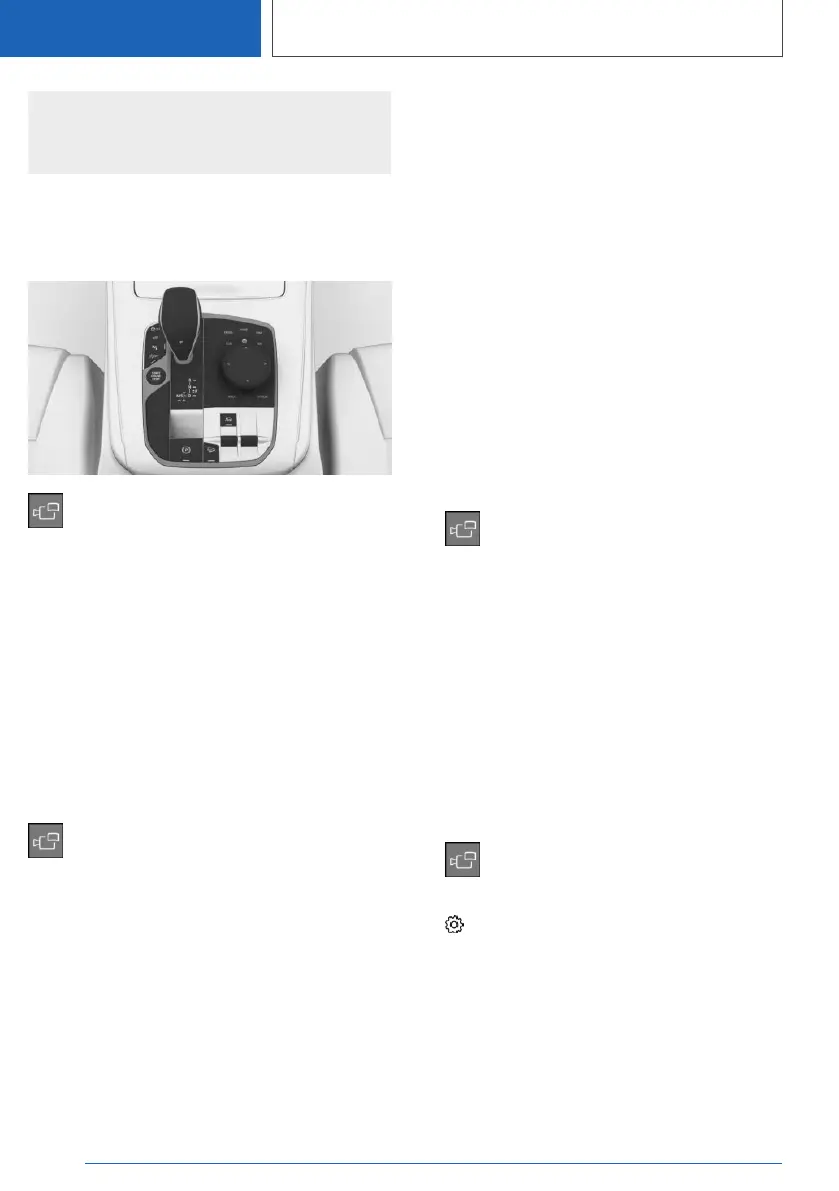
Button in the vehicle
Panorama View
Sensors
The system is controlled by the following sen‐
sors:
▷ Front camera.
▷ Depending on the equipment: rearview cam‐
era.
Additional information:
Sensors of the vehicle, refer to page 37.
Display on the Control Display
Press the button when the engine is run‐
ning.
Depending on the driving direction, the image of
the respective camera is displayed:
▷ "Front": front camera image.
▷ "Rear": rear camera image.
Depending on the vehicle equipment, cross traf‐
fic warning can additionally warn of approaching
vehicles using radar sensors.
Additional information:
Cross traffic warning, refer to page 282.
With navigation system:
activation points
Principle
Positions where Panorama View should switch
on automatically can be stored as activation
points provided that a Global Positioning System
signal is received.
General information
Up to ten activation points can be stored.
Activation points can be used when driving for‐
ward for the front camera.
Storing activation points
1.
Drive to the position at which the system is to
be switched on, and stop.
2.
Press the button.
3. Tilt the Controller to the right.
4. "Activation point"
The current position is displayed.
5. "Save activation point"
Activation points are, if possible, stored with
town/city and street address, or else with the
Global Positioning System coordinates.
Using activation points
The use of activation points can be switched on
and off.
1. Press the button.
2. Tilt the Controller to the right.
3. "Settings"
4. "Panorama View, GPS-based"
5. "Panorama View is displayed automatically
when set activation points are reached."
Seite 280
CONTROLS
Driver assistance systems
280
Online Edition for Part no. 01405A385B6 - VI/21



 To Next Page