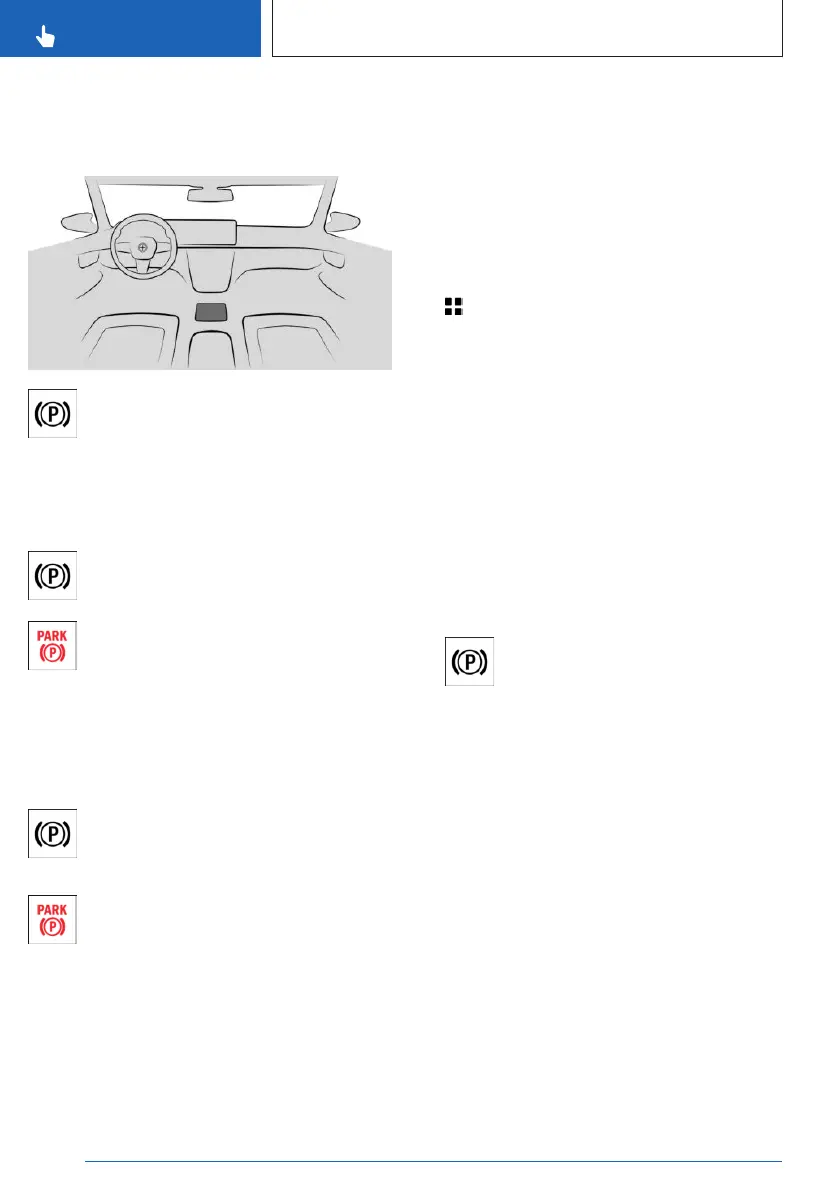
Overview
Button in the vehicle
Parking brake
Setting the parking brake
With a stationary vehicle
Pull the switch.
The LED illuminates.
The indicator light in the instrument
cluster illuminates red.
The parking brake is set.
While driving
Use while driving serves as an emergency
braking function.
Pull the switch and hold it. The vehicle
brakes hard while the switch is being
pulled.
The indicator light in the instrument
cluster illuminates red, a signal sounds,
and the brake lights illuminate.
A Check Control message is displayed.
The parking brake is engaged when the vehi-
cle is stationary.
Engaging the parking brake
automatically
In some situations, the parking brake is en-
gaged automatically, e.g., through Automatic
Hold.
Additionally, the system can be set to auto-
matically engaging the parking brake when the
drive-ready state is turned off.
1. Apps menu
2. "Vehicle"
3. "Driving settings"
4. "Drivetrain and chassis"
5. "Parking brake"
6. Select the desired setting.
In selector lever position N, the parking brake
will not be engaged automatically.
Releasing the parking brake
Releasing the parking brake manually
1.
Turn on drive-ready state.
2. Press the switch while stepping on
the brake pedal or selector lever position P
is set.
The LED and the indicator light go out.
The parking brake is released.
Releasing the parking brake
automatically
The parking brake is released automatically
when you drive off.
The LED and the indicator light go out.
Seite 130
CONTROLS
Driving
130
Online Edition for Part no. 01405A8A608 - VI/23



 To Next Page