Digital tachometer
General information
The digital speedometer is permanently dis-
played in all driving modes. The speed cur-
rently driven is displayed.
Adjusting the unit
Depending on the national-market version, it
may be possible to set the unit for the digital
tachometer.
1.
Apps menu
2. "All apps"
3. "System settings"
4. "Units"
5. "Distance"
6. Select the desired setting.
Selection lists
Principle
Lists can be displayed and, if necessary, used
for certain functions in the instrument cluster or
the Head-up display.
▷
Entertainment source.
▷ Current audio source.
▷ List of most recent telephone calls.
If necessary, the corresponding menu will open
on the control display.
Displaying and using the list
The selection lists can be displayed and op-
erated using the operating elements on the
steering wheel.
Control ele-
ments
Function
Turn the knurled wheel: display
the entertainment list or scroll
up or down in the list.
Press knurled wheel: confirm
selection.
Press the corresponding arrow
key to change the entertain-
ment source.
Show list of most recent tele-
phone calls.
Display
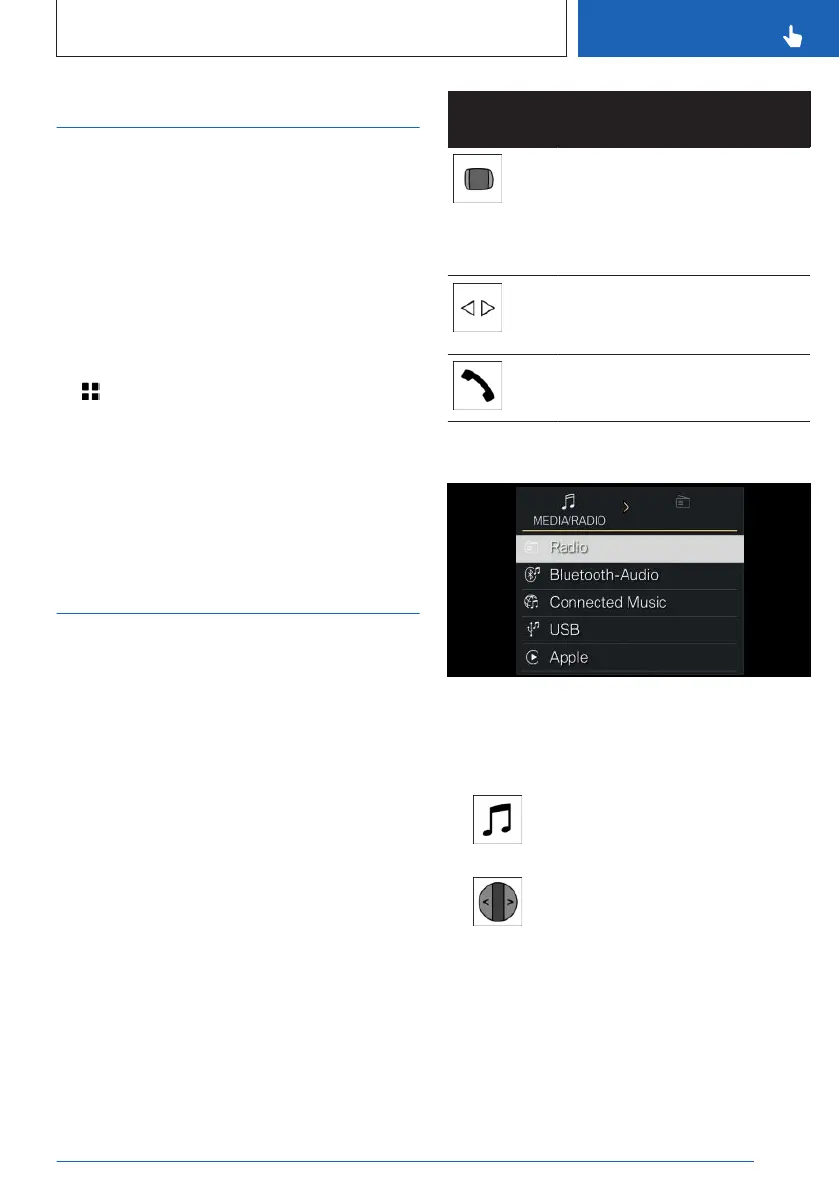
Selection lists, e.g., entertainment sources, are
displayed on the instrument cluster.
Example: selecting a radio station
1.
Press the entertainment sources
button.
2. To switch to the radio stations list,
tilt the knurled wheel to the right.
3. Turn the knurled wheel to select a radio
station.
4. Press the knurled wheel to confirm the se-
lected radio station.
Seite 147
Displays
CONTROLS
147
Online Edition for Part no. 01405A8A608 - VI/23



 To Next Page