▷ Driving.
▷ Electric driving.
Additional information on electric driving is
displayed depending on the situation.
▷ "CHARGING BATTERY"
Functional requirements
▷ The following driving mode is selected:
"ROAD"
▷ The following setting is selected for Live
Vehicle:"Adaptive content"
Display
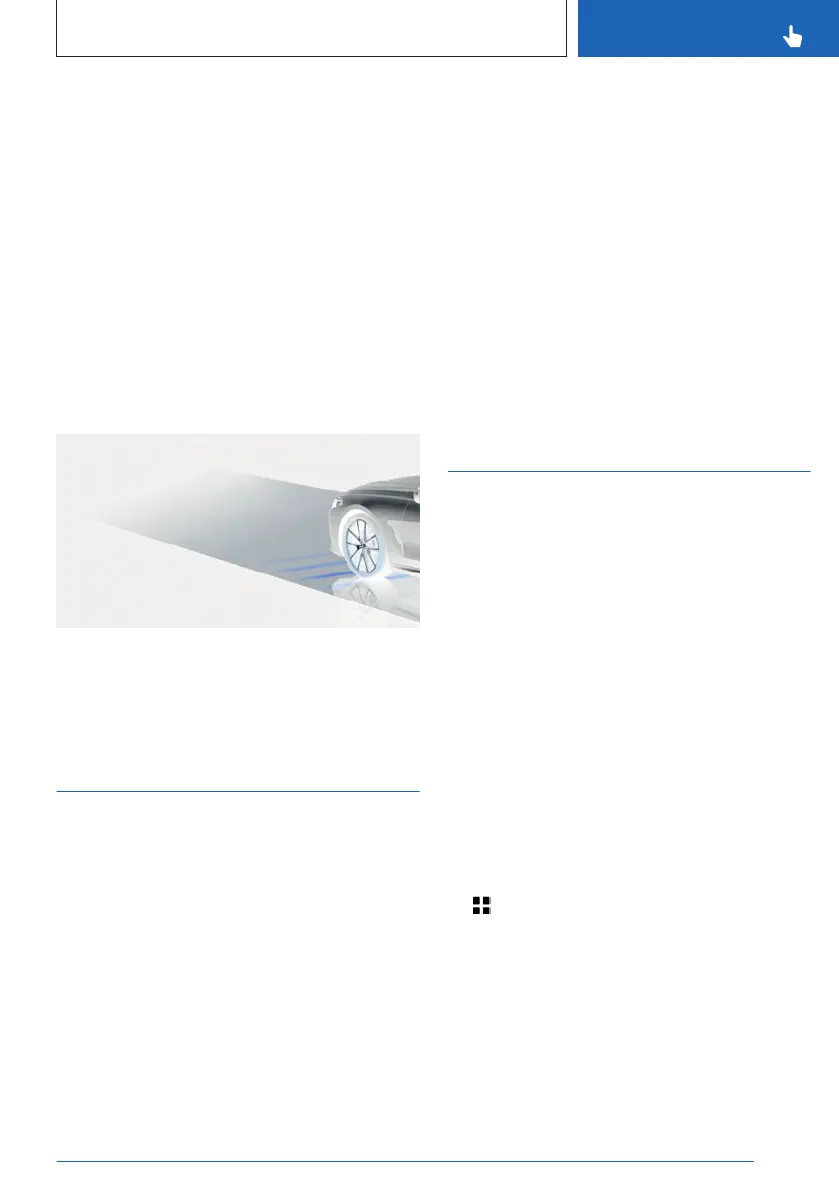
An example:
The vehicle battery is charged when the vehi-
cle decelerates.
Sport displays
Principle
The Sport displays especially support a sporty
driving style.
Functional requirements
▷
SPORT driving mode is selected.
▷ The following setting is selected for Live
Vehicle:"Adaptive content"
Indicators on control display
The sport displays are displayed in the Live
Vehicle menu on the control display.
The following information is displayed:
▷ Torque.
▷ Power.
▷ Boost pressure.
▷ Engine oil temperature.
Display in the instrument cluster
Sport displays can be shown in the central dis-
play area of the instrument cluster. Sport dis-
plays include information on power and torque.
Additional information:
Central display area, refer to page 151
Service notification
Principle
Service notifications indicate necessary main-
tenance measures.
General information
After turning on, the next service appointment
or the distance remaining until the next servic-
ing is displayed briefly on the instrument clus-
ter.
A Service Advisor can read out the mainte-
nance work from the vehicle key.
Display
More information on the maintenance meas-
ures required may be displayed on the control
display.
1.
Apps menu
2. "Vehicle"
3. "Vehicle status"
4. "Required services"
Maintenance measures as well as legally
mandated inspections are displayed.
5. Select the desired entry.
Seite 157
Displays
CONTROLS
157
Online Edition for Part no. 01405A8A608 - VI/23



 To Next Page