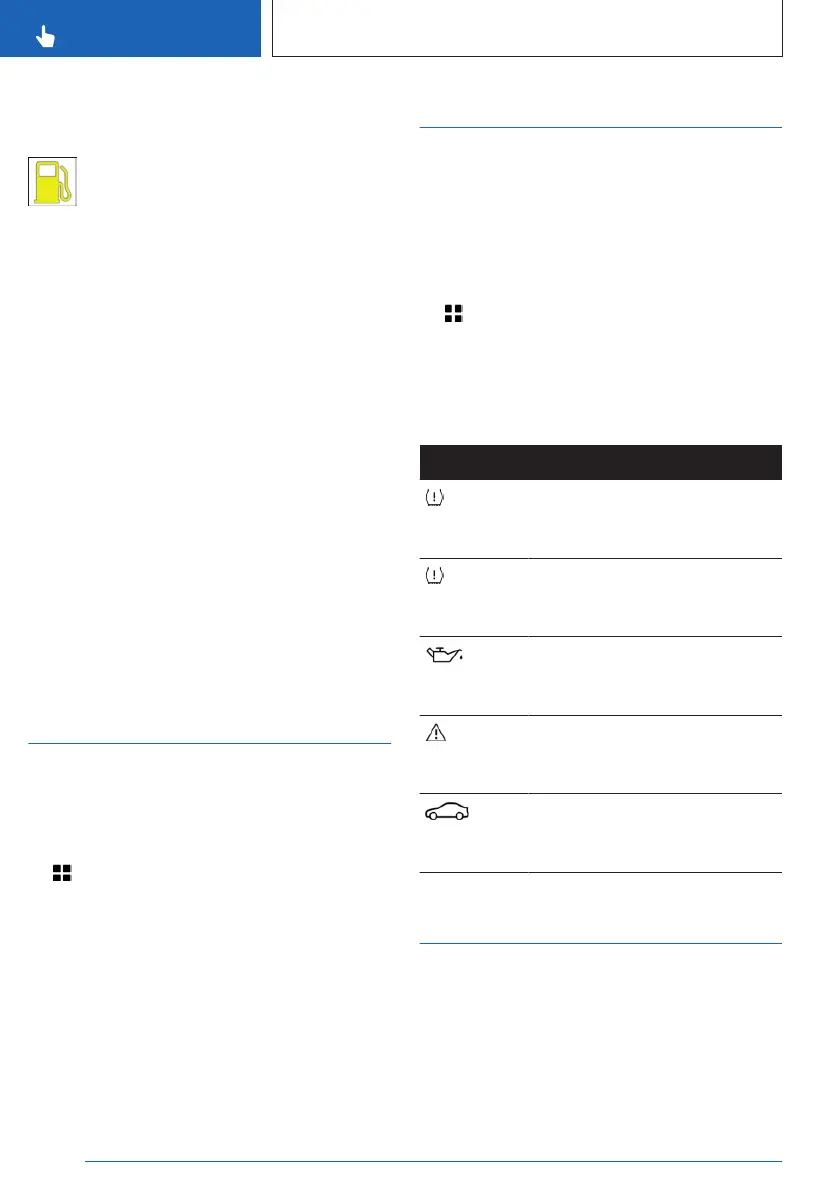
Indicator light in the instrument
cluster
The yellow indicator light illuminates,
once the fuel reserve is reached.
Overall range
The total range considers the contents of the
fuel tank as well as the electric energy in the
high-voltage battery. If the prerequisites for
electric driving are not met, the total range
considers the content of the fuel tank only.
With a low remaining range, a Check Control
message is briefly displayed. A low remaining
range means that engine functions cannot al-
ways be ensured for sporty driving, e.g., when
cornering at speed.
The Check Control message appears
continuously below a range of approx.
30 miles/50 km.
Additional information:
Battery charge indicator and electric range, re-
fer to page 149
Setting the units of
measurement
Depending on the national-market version, you
can set the units of measurement for some
values, for instance consumption, distances,
and temperature.
1.
Apps menu
2. "Vehicle"
3. "System settings"
4. "Units"
5. Select the desired setting.
Vehicle status
General information
The status can be displayed and actions per-
formed for several systems such as for Check
Control.
Displaying vehicle status
1. Apps menu
2. "Vehicle"
3. "Vehicle status"
Overview
Icon Description
"FLAT TIRE MONITOR": Sta-
tus of the flat tire monitor, refer
to page 356.
"Tire Pressure Monitor": status
of the Tire Pressure Monitor,
refer to page 350.
"Engine oil level": electronic
oil measurement, refer to
page 367.
"Check Control": displaying
stored Check Control mes-
sages, refer to page 140.
"Required services": display of
the service notification, refer to
page 157.
Current driving condition
General information
The current driving condition is displayed dy-
namically while driving in the Live Vehicle
menu on the control display.
The following states can be displayed:
Seite 156
CONTROLS
Displays
156
Online Edition for Part no. 01405A8A608 - VI/23



 To Next Page