General information
The following driving modes are available:
▷ "ROAD"
▷ "SPORT"
Safety information
Warning
The system cannot serve as a substitute for
the driver’s personal judgment in assessing
visibility and traffic situation. There is a risk
of accident. Adjust driving style to traffic con-
ditions. Watch surrounding traffic closely and
actively intervene where appropriate.
Warning
Indicators and warnings cannot serve as a
substitute for the driver’s personal judgment.
Due to its limits, the system may not issue
warnings or responses, or these may be is-
sued late or in a manner that is not consis-
tent with their normal use. There is a risk of
accident. Adjust driving style to traffic condi-
tions. Watch surrounding traffic closely and
actively intervene where appropriate.
Overview
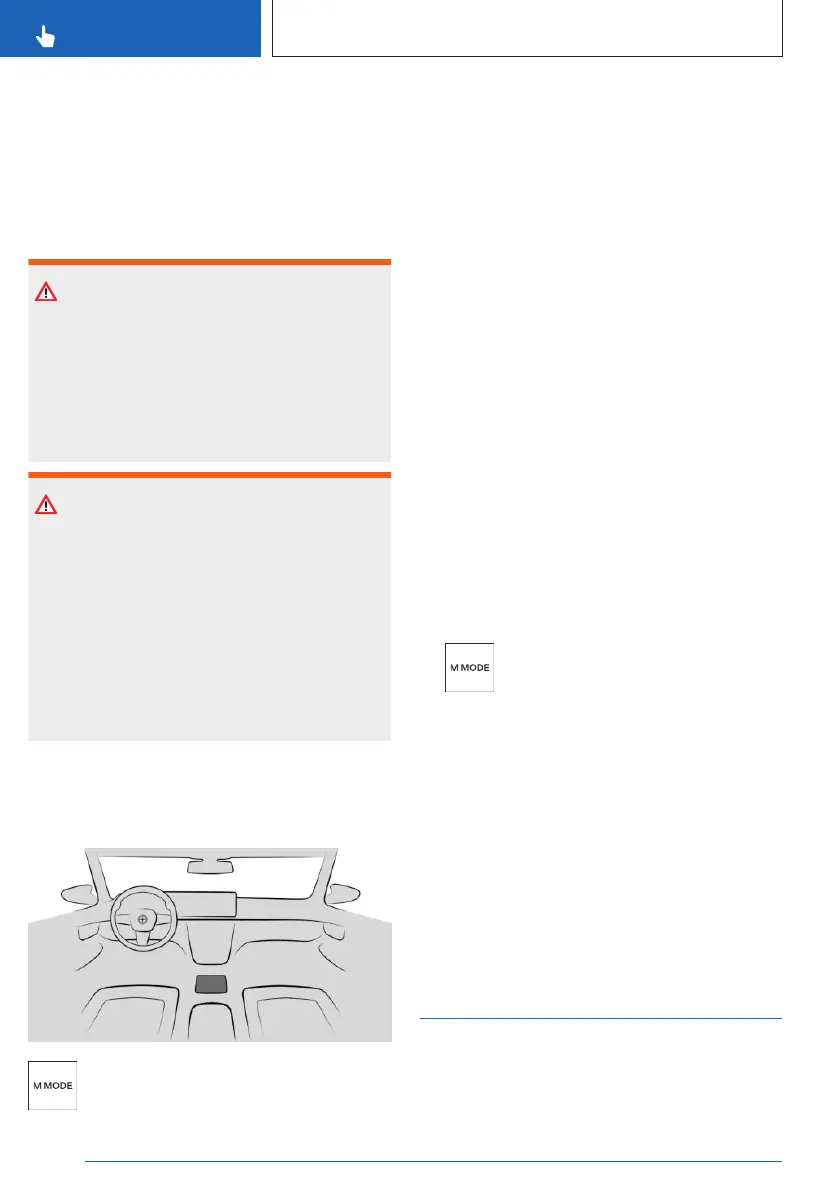
Button in the vehicle
M MODE
Driving modes
ROAD drive mode
▷ All available collision warning systems are
switched on.
▷ All available driver assistance systems are
active.
ROAD drive mode is activated after drive-
ready state is switched on.
SPORT drive mode
Depending on the equipment, the following
systems are deactivated:
▷ Cruise Control systems.
The vehicle automatically switches to ROAD
driving mode when you activate certain sys-
tems.
Selecting the driving mode
ROAD and SPORT drive modes can only be
enabled when drive-ready state is switched
on.
1.
Press the button.
2. Select the desired setting.
In addition, the collision warning systems can
be adjusted.
Additional information:
Collision warning systems, refer to page 176.
Display
The display changes according to the drive
mode selected. The view can be configured
individually.
Servotronic
Principle
Servotronic is a speed-dependent power
steering function.
Seite 212
CONTROLS
Driving stability control systems
212
Online Edition for Part no. 01405A8A608 - VI/23



 To Next Page