Selecting a program
Using the button
Press the button and select the desired
program on the control display.
Via iDrive
Brake settings can be configured in M Setup.
Additional information:
M Setup, refer to page 209.
Display in the instrument cluster
When the display for M Setup is acti-
vated in the instrument cluster, the se-
lected program is displayed.
Additional information:
Central display area, refer to page 151
Dynamic Stability Control
Principle
Dynamic Stability Control helps keep the vehi-
cle on a steady course in critical driving situa-
tions. The drive power is reduced depending
on the situation, and wheels can be braked
individually.
General information
The system detects the following unstable
driving conditions, for instance:
▷
Skidding, which can lead to oversteering.
▷ Loss of adhesion of the front wheels, which
can lead to understeering.
Safety information
Warning
The system cannot serve as a substitute for
the driver’s personal judgment in assessing
the traffic situation. Based on the limits of
the system, it cannot independently react
to all traffic situations. There is a risk of
accident. Adjust driving style to traffic condi-
tions. Watch the surrounding traffic situation
closely, be ready to take over steering and
braking at any time, and actively intervene
where appropriate.
Warning
When driving with a roof load, e.g., roof bars,
the vehicle's center of gravity is higher. This
increases the risk of the vehicle tipping in crit-
ical driving situations. There may be a risk of
accidents or risk of damage to property. Drive
with roof load only with activated Dynamic
Stability Control.
Overview
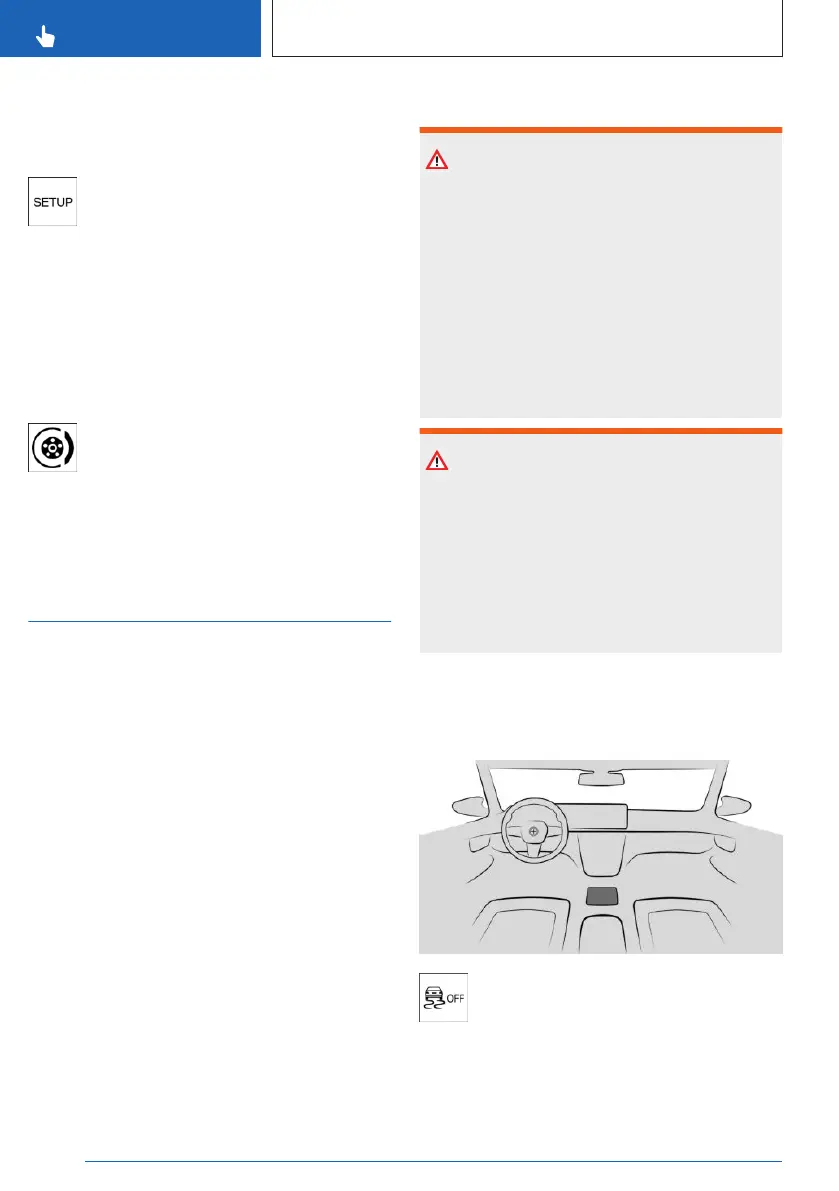
Button in the vehicle
Dynamic Stability Control
Seite 214
CONTROLS
Driving stability control systems
214
Online Edition for Part no. 01405A8A608 - VI/23



 To Next Page