13
In addition, information on the reception signal and call time can also be retrieved.
For complete information on the Radio/Navigation Unit, review your vehicle’s Radio/
Navigation Unit owner’s manual.
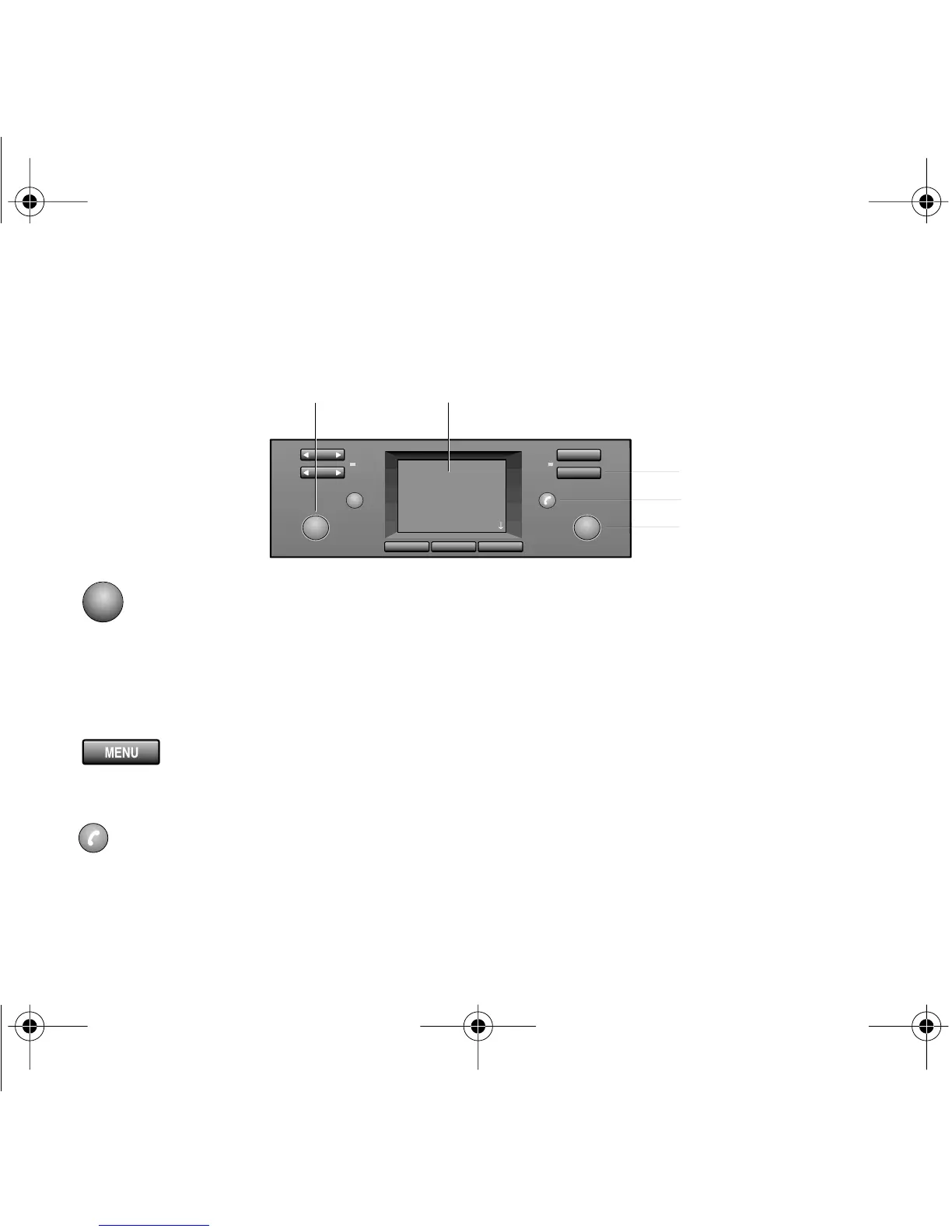
1 - Radio/volume knob
Controls volume of hands-free phone usage.
Press to switch radio on/off.
2 - Display monitor for all available systems
3 - Menu key
All available vehicle systems are displayed on the monitor.
4 - Call control button
Initiates and ends certain calls.
MENU
1
2
345
6
5
6
AUDIO
NAVIGATION
TELEPHONE
EMERGENCY CALL
SELECT
MODE
2
5
4
3
1
T In-Vehicle QRB.fm Page 13 Thursday, December 14, 2000 2:36 PM



 To Next Page