14
5 - Control knob for monitor
Turn to select functions shown on the monitor.
Press to activate functions shown on the monitor.
Note: If the handset is not yet connected when you enter telephone mode on the
Radio/Navigation Unit, the main telephone screen will display
PHONE CONNECTED
.
Connect the coilcord to the handset. The main telephone screen will then display
LOADING PHONEBOOK
. Do not press any call control keys until this message clears the
display.
Note: Your Radio/Navigation Unit display may truncate some messages; e.g.,
LOADING PHONEBOOK
may appear as
LOADING PHONEBOO
.
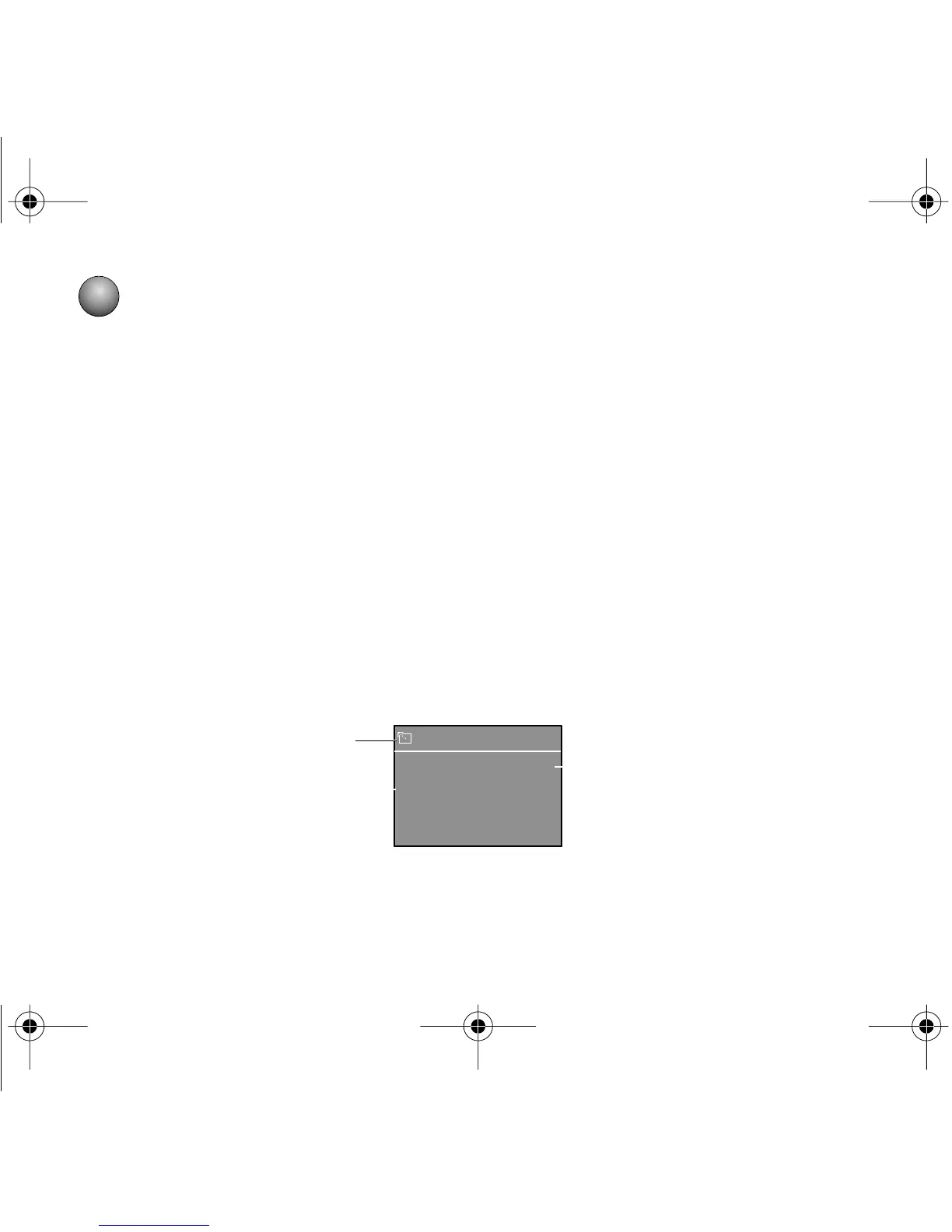
This is the Radio/Navigation Unit’s main telephone screen:
LAST NOS. STORED
NUMBERS
DIAL
2
1
3
T In-Vehicle QRB.fm Page 14 Thursday, December 14, 2000 2:36 PM



 To Next Page