Model 670C Berkeley Nucleonics Corp. 47 of 96
More Button Menu Items Description
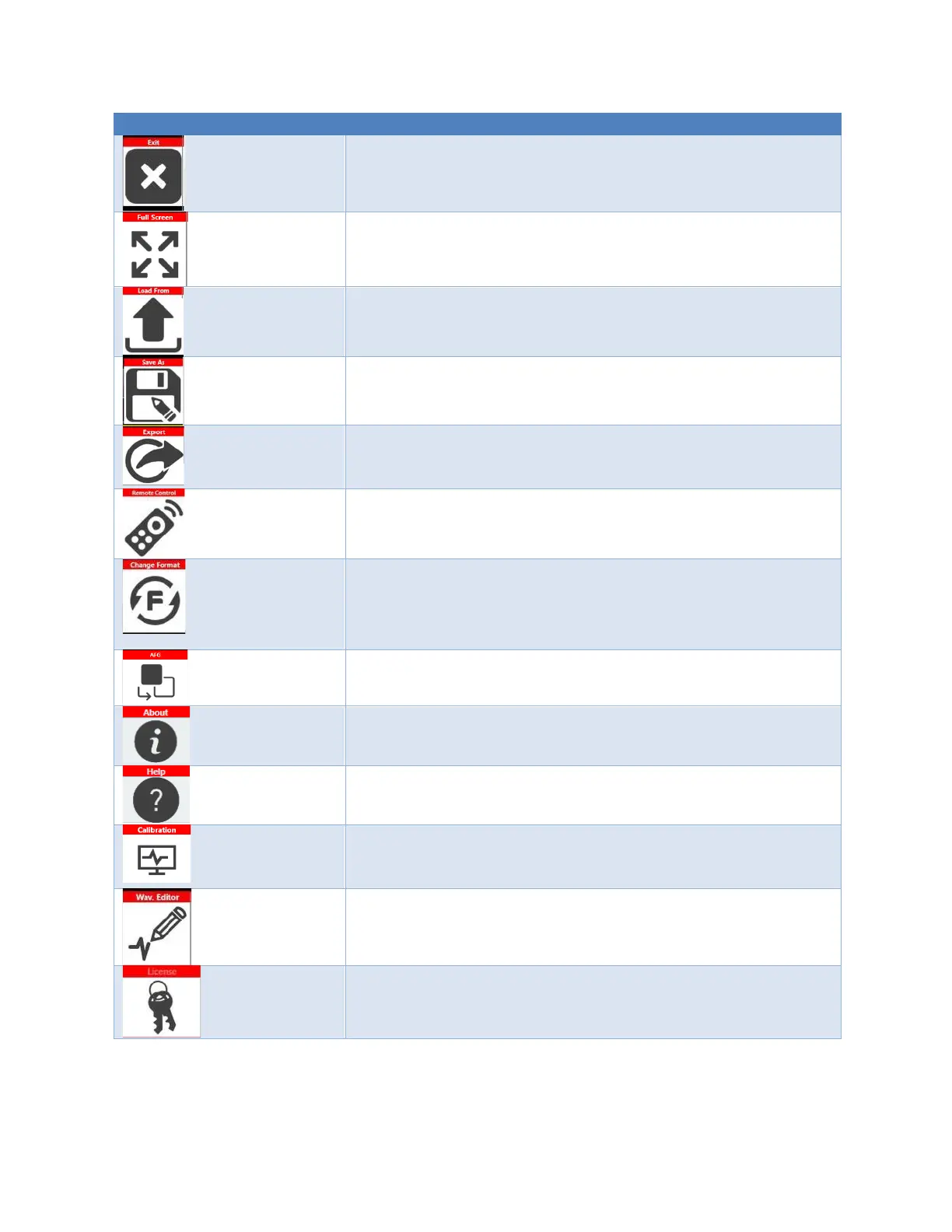
Exit Button – Press this button to close the application.
Full/Float Button – press this button to maximize or reduce the
application screen; in this way you can access to Windows OS.
Load From Button – Use this button to load a configuration file. (For
more information, please refer to the relative section).
Save As – Use this button to Save the Current configuration into an
existing one or create a new one. (For more information, please
refer to the relative section).
Export – Use this button to export the current configuration. (For
more information, please refer to the relative section).
Remote Control Button – Use this button to open the SCPI server
page. In that page you can enable or disable the SCPI server and see
the sequence of commands sent to the instrument and its response.
Change Format – Use this button to change the waveform vertical
parameters from Voltage High(V) and Voltage Low(V) to
Amplitude(Vpp)/Offset(V)
Change Application – Use this button to switch from AWG to AFG
application.
About Button – Use this button to check the credits, the software
and firmware release number and the instrument serial number.
Help Button – Use this button to open the User Manual.
Calibration button – Use this button to enter the Calibration and
Diagnostic page. (For more information, please refer to the relative
section).
Waveform Editor – Use this button to open the Waveform Editor
software. (For more information please refer to the Waveform
Editor User Manual).
License button – Use this button to enter the License setup page.
(For more information, please refer to the relative section).


 To Next Page
 Loading...
