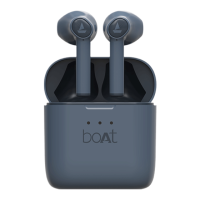
Q. Device not entering stereo mode/ stuck in mono
•
Check when both the earbuds are taken out of the charging case, a blue led will
flash then they will pair to each other automatically with the left earbud flashing
red and blue and the right one flashing blue every two seconds indicating that they
are in stereo mode, Once L and R connect, only the L earbud’s LED light will flash
orange once every 5 seconds.
•
Check whether you have peeled off the plastic film. If not, the Earbuds will not
touch with the charging case charging point to activate the True Wireless Earbuds.
•
Place the earbuds in the charging case and then try using them again. Check if it
connects automatically.
•
Check and see if hard resetting the device works as follows
Firstly, Make sure that the earphones are charging in the case Take
the earbuds out of the case and then power them off. Press and hold the
multifunction button for 5 seconds to clear phone/media device record. Both L
and R’s LED light will flash white and orange. Then place the earbuds back
into the case Remove the earbuds once again and power on. The earbuds will
go into pairing mode. Once both earbuds have been paired successfully the R
side will flash white & orange and the L piece will flash white once every 6
seconds.


 To Next Page