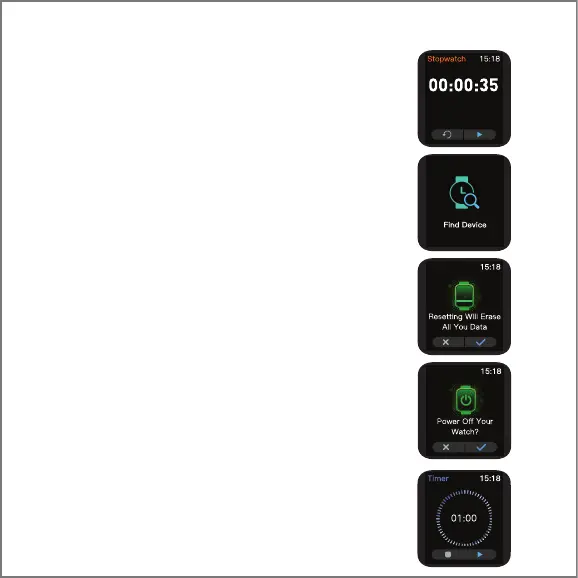
Stopwatch
Tap on the icon to start the stopwatch.
Find My Phone
Tap on this icon to find your phone. Once enabled, your
phone will start ringing and vibrating. Tap again to stop it.
Note: Your watch Wave Call should be connected to your
phone via Bluetooth and within its range for this feature
to work.
Screen timeout
Tap on this icon to set screen timeout duration.
Note: Higher the duration lower will be the battery life
Reset
Tap on this to reset watch data.
*Note: All data will be erased if watch is reset
Power off
Tap on this to switch your watch off.
Countdown
Tap on this to begin countdown.


 To Next Page