210 S450 Operation & Maintenance Manual
CONTROL PANEL SETUP (CONT’D)
Right Panel Setup (Deluxe Instrumentation Panel) (Cont’d)
Job Clock Reset Machine Lockouts
NOTE: Two-Speed lockouts for the owner are active
even if the Password Lockout feature is
unlocked.
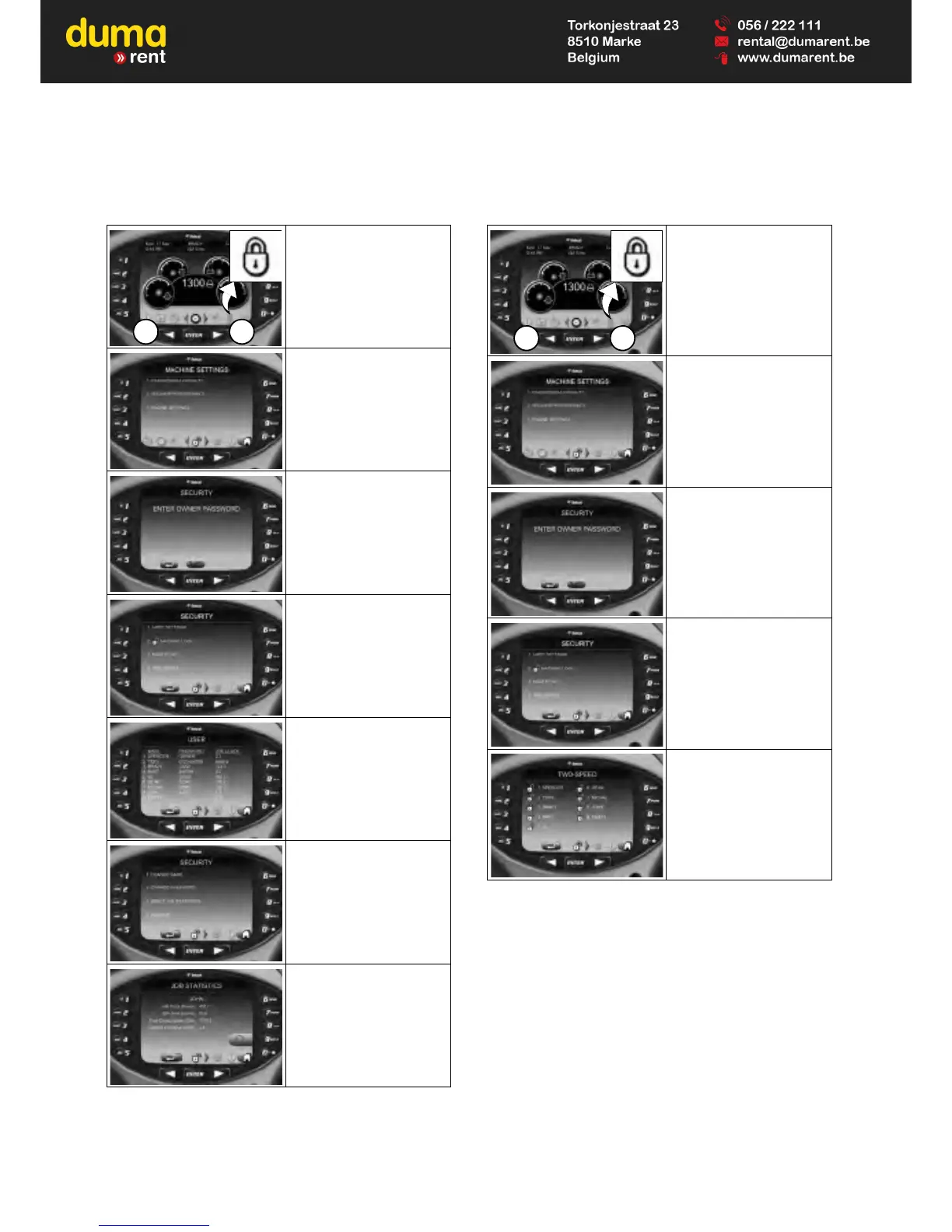
Press a scroll button (Item
1) repeatedly until the
Security screen icon
(Inset) is highlighted.
Select [1. PASSWORDS /
LOCKOUTS].
Enter owner password
and press [ENTER].
Select [1. USER
SETTINGS].
Select user.
Select [3. RESET JOB
STATISTICS].
Press [9] to reset job
statistics.
Press left scroll button or
[0] to exit without saving.



 To Next Page