209 S450 Operation & Maintenance Manual
CONTROL PANEL SETUP (CONT’D)
Right Panel Setup (Deluxe Instrumentation Panel) (Cont’d)
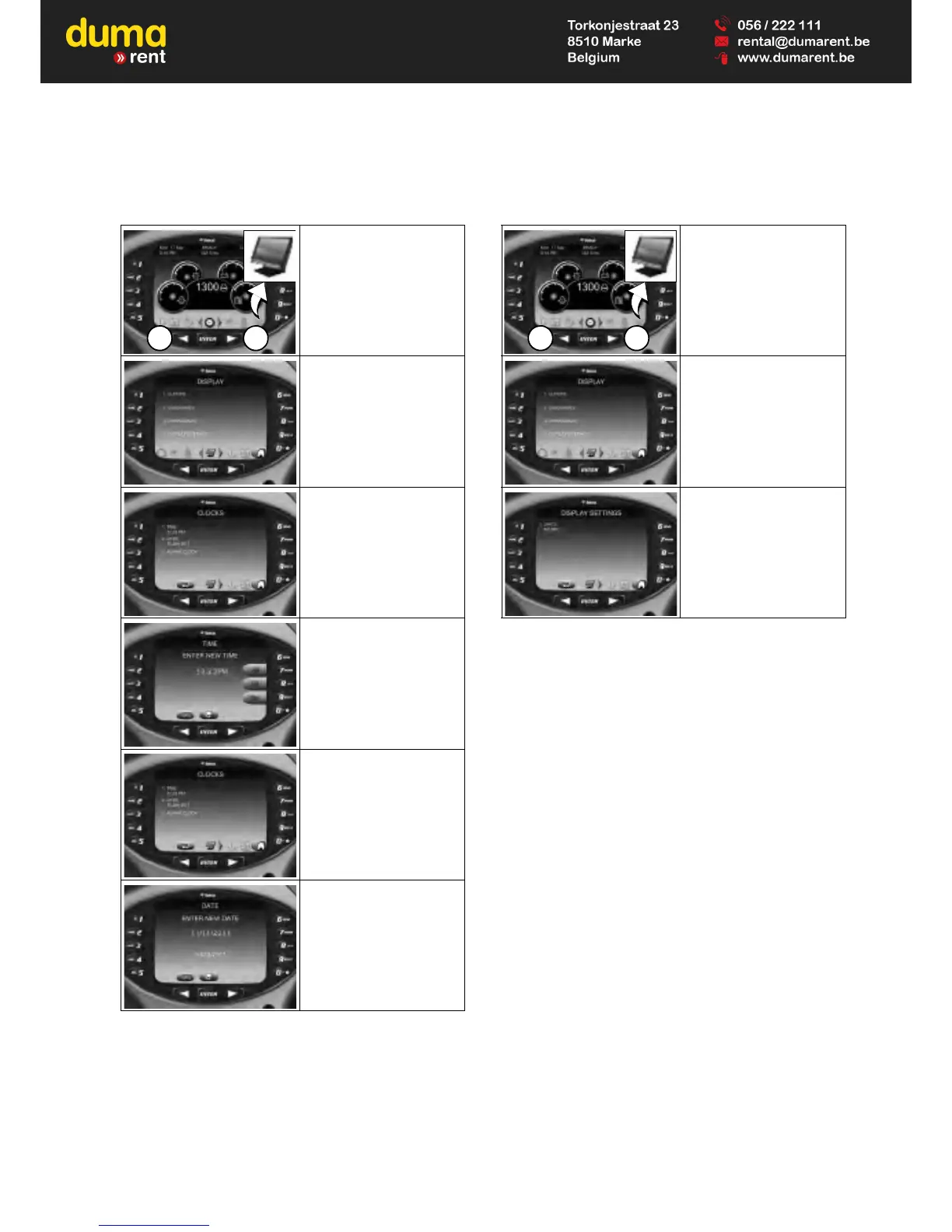
Date And Time English / Metric Display
Press a scroll button (Item
1) repeatedly until the
Display screen icon (Inset)
is highlighted.
Select [1. CLOCKS].
Select [1. TIME].
Use the keypad to enter
time.
Select AM / PM / 24hr.
Press [ENTER] to
continue.
Select [2. DATE].
Use the keypad to enter
date.
Press [ENTER] to
continue.
Press a scroll button (Item
1) repeatedly until the
Display screen icon (Inset)
is highlighted.
Select [4. DISPLAY
SETTINGS].
Press [1] to cycle between
ENGLISH and METRIC.



 To Next Page