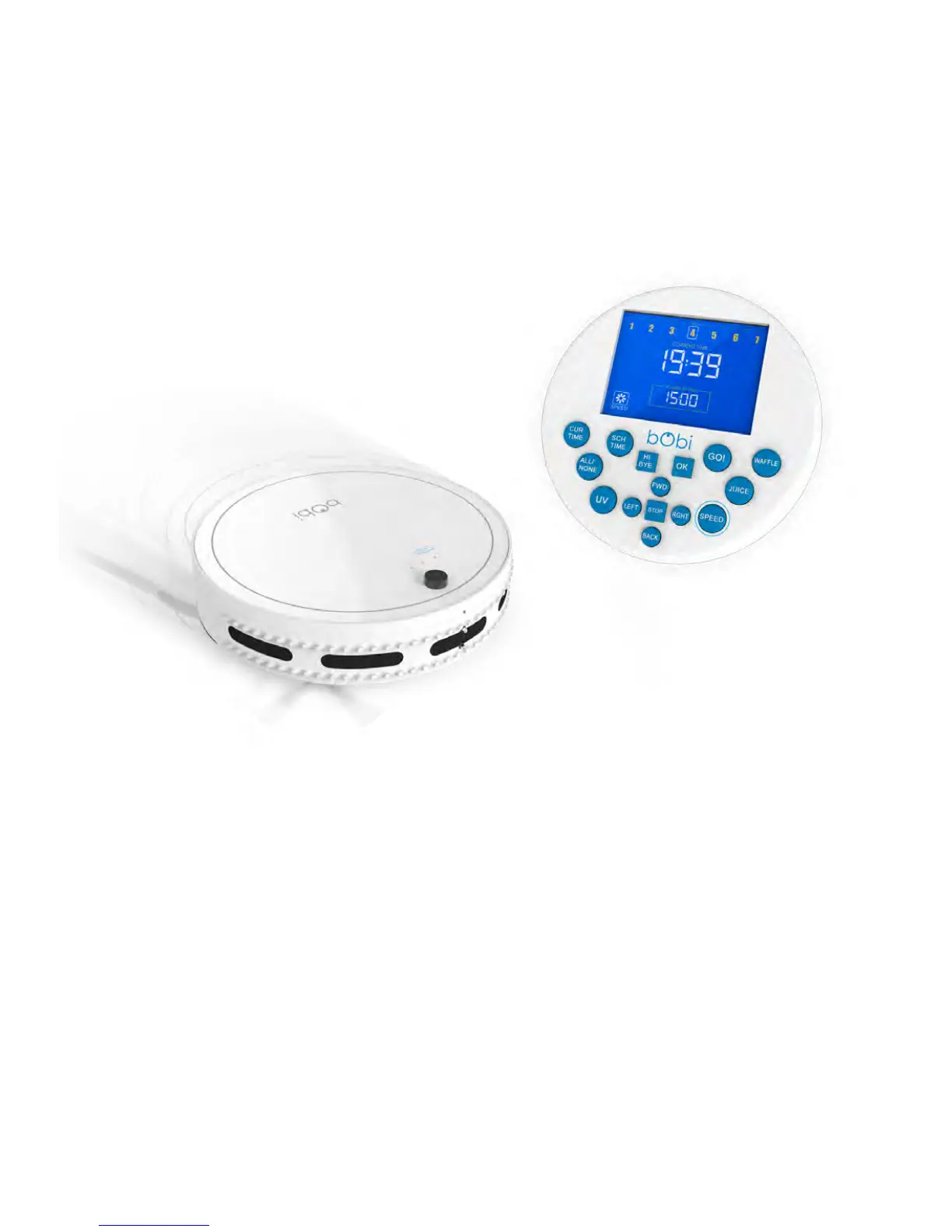
Choosing bObi’s cleaning speed with her remote
bObi’s default setting is fast mode, which maximizes her cleaning coverage. You can
slow bObi down for a deeper, more thorough cleaning.
Press the SPEED button on bObi’s remote control to toggle between fast or slow
modes. The fan on the lower left side of the remote screen indicates slow mode by
displaying only four blades and fast mode by displaying full blades.


 To Next Page