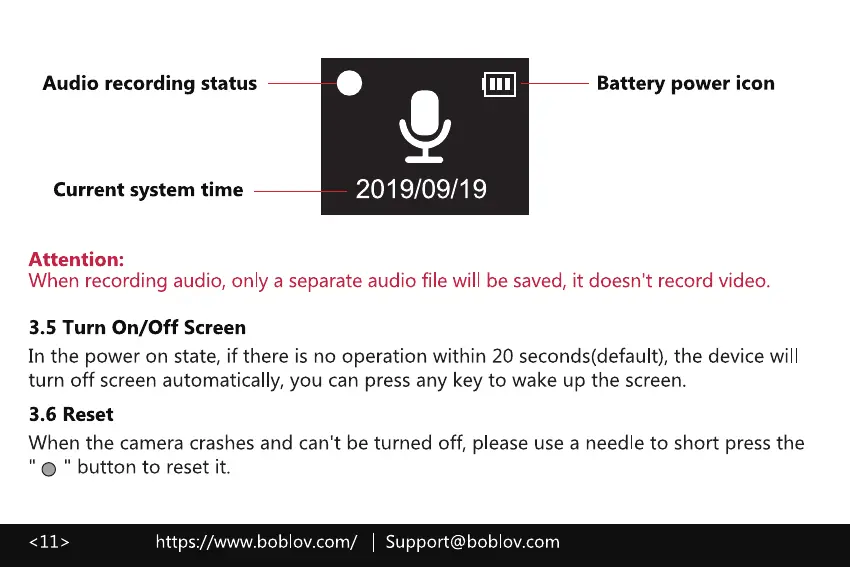
Audio recording status
Current system time
Attention:
Battery power icon
2019/09/19
When recording audio, only a separate audio file will be saved, it doesn't record video.
3.5 Turn On/Off Screen
In the power on state, if there is no operation within 20 seconds(default), the device will
turn off screen automatically, you can press any key to wake up the screen.
3.6 Reset
When the camera crashes and can't be turned off, please use a needle to short press the
' O " button to reset it.
https://www.boblov.com/ I Support@boblov.com



 To Next Page