Attention:
The camera supports loop video recording.when storage is full, it will automatically over-
write the oldest files and continue video recording. When super storage is on, recording
time is doubled.
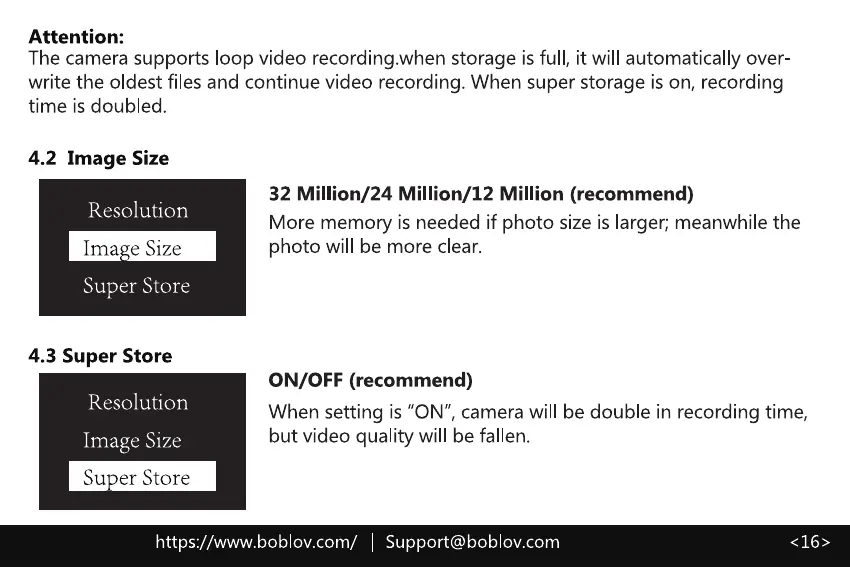
4.2 Image Size
Resolution
Ima e Size
Super Store
4.3 Super Store
Resolution
Image Size
Su er Store
32 Million/24 Million/12 Million (recommend)
More memory is needed if photo size is larger; meanwhile the
photo will be more clear.
ON/OFF (recommend)
When setting is "ON", camera will be double in recording time,
but video quality will be fallen.
https://www.boblov.com/ I Support@boblov.com



 To Next Page