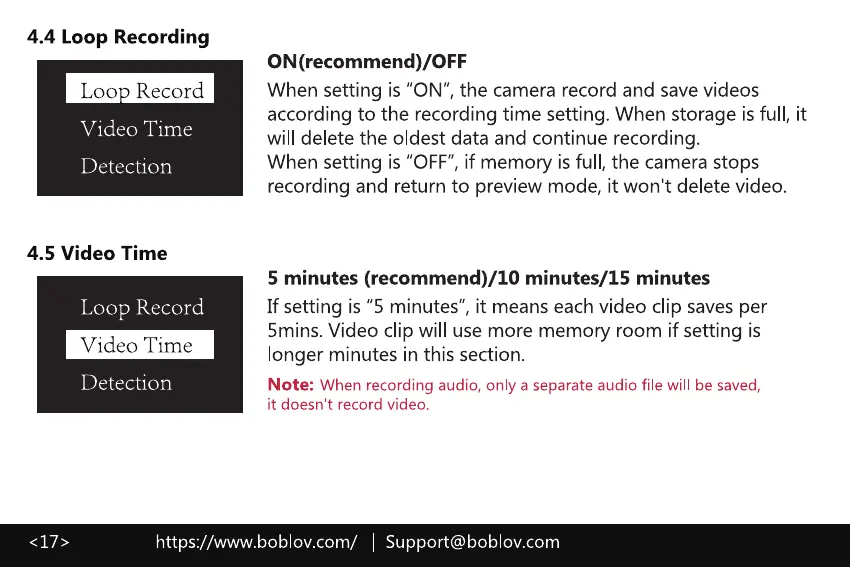
4.4 Loop Recording
Loo Record
Video Time
Detection
4.5 Video Time
Loop Record
Video Time
Detection
ON (recommend)/OFF
When setting is "ON", the camera record and save videos
according to the recording time setting. When storage is full, it
will delete the oldest data and continue recording.
When setting is "OFF", if memory is full, the camera stops
recording and return to preview mode, it won't delete video.
5 minutes (recommend)/10 minutes/15 minutes
If setting is "5 minutes", it means each video clip saves per
5mins. Video clip will use more memory room if setting is
longer minutes in this section.
Note: When recording audio, only a separate audio file will be saved,
it doesn't record video.
https://www.boblov.com/ I Support@boblov.com



 To Next Page