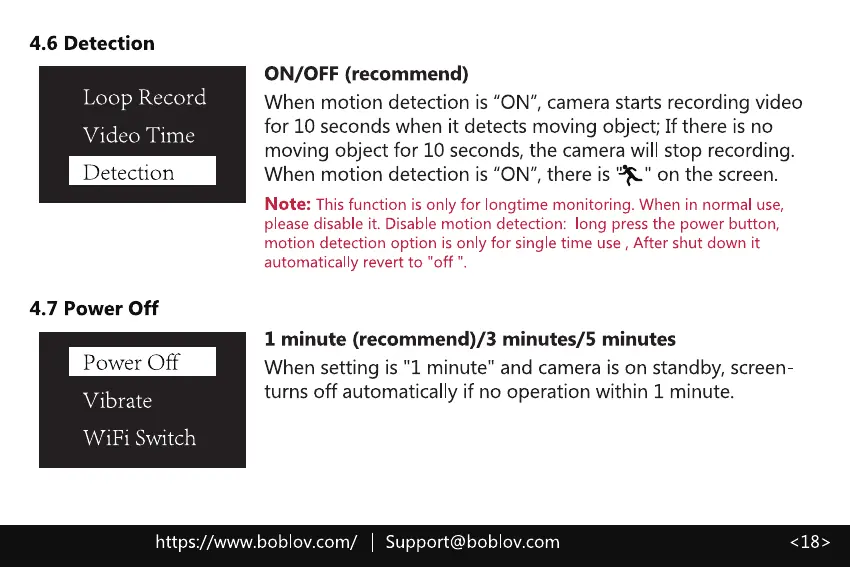
4.6 Detection
Loop Record
Video Time
Detection
4.7 Power Off
Power Off
Vibrate
WiFi Switch
ON/OFF (recommend)
When motion detection is "ON", camera starts recording video
for 10 seconds when it detects moving object; If there is no
moving object for 10 seconds,the camera will stop recording.
When motion detection is "ON",there is '*I' on the screen.
Note: This function is only for longtime monitoring. When in normal use,
please disable it. Disable motion detection: long press the power button,
motion detection option is only for single time use , After shut down it
automatically revert to "off '
1 minute (recommend)/3 minutes/5 minutes
When setting is "1 minute" and camera is on standby, screen
turns off automatically if no operation within 1 minute.
https://www.boblov.com/ I Support@boblov.com



 To Next Page