4.16 Exit
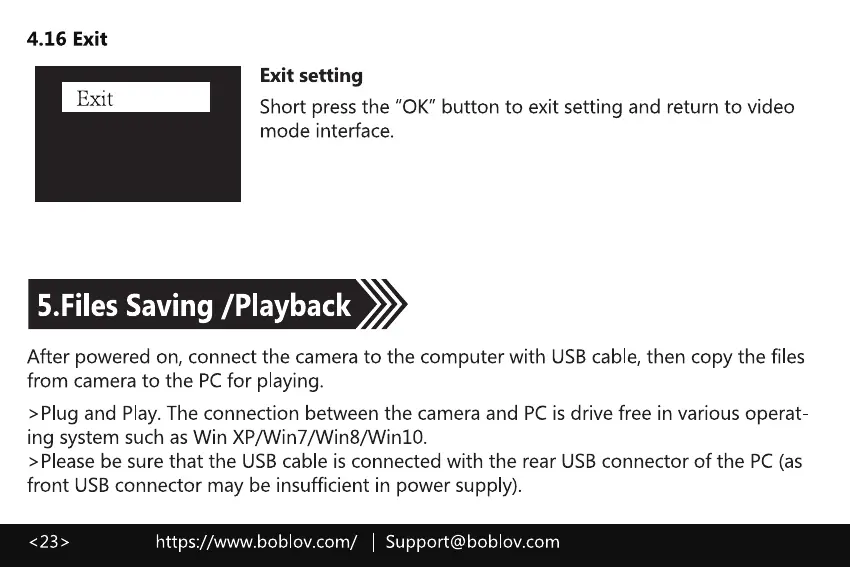
Exit setting
Exit
Short pressthe "0K" button to exit setting and return to video
mode interface.
5.Files Saving [Playback
After powered on, connect the camera to the computer with USBcable, then copy the files
from camera to the PCfor playing.
>Plug and Play.The connection between the camera and PCis drive free in various operat
ing system such as Win XP/Win7/Win8/Win10.
>Please be sure that the USB cable is connected with the rear USB connector of the PC (as
front USBconnector may be insufficient in power supply).
https://www.boblov.com/ I Support@boblov.com



 To Next Page