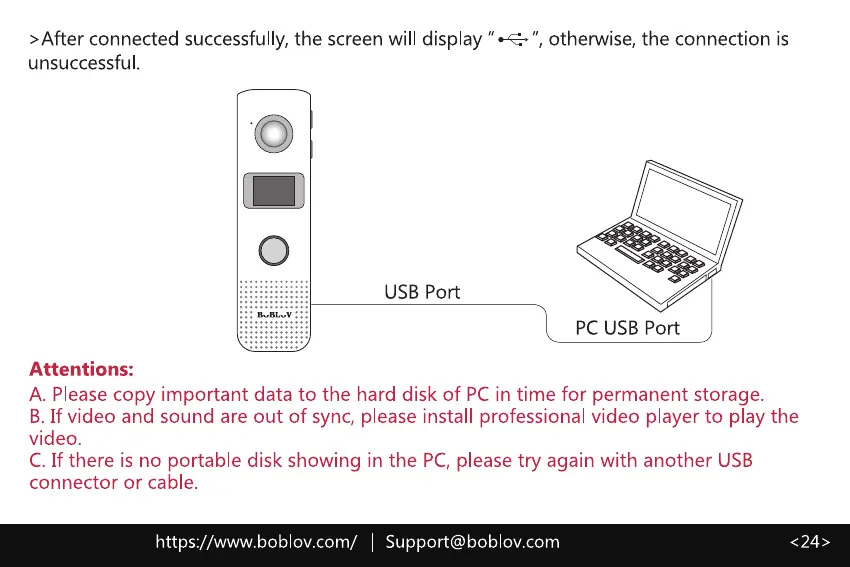
>After connected successfully, the screen will display " •-4
unsuccessful.
O
o
USB Port
Attentions:
otherwise, the connection is
PC USB Port
A. Please copy important data to the hard disk of PC in time for permanent storage.
B. If video and sound are out of sync, please install professional video player to play the
video.
C. If there is no portable disk showing in the PC,please try again with another USB
connector or cable.
https://www.boblov.com/ I Support@boblov.com



 To Next Page