3.Using Instruction
3.1 Power On/Off
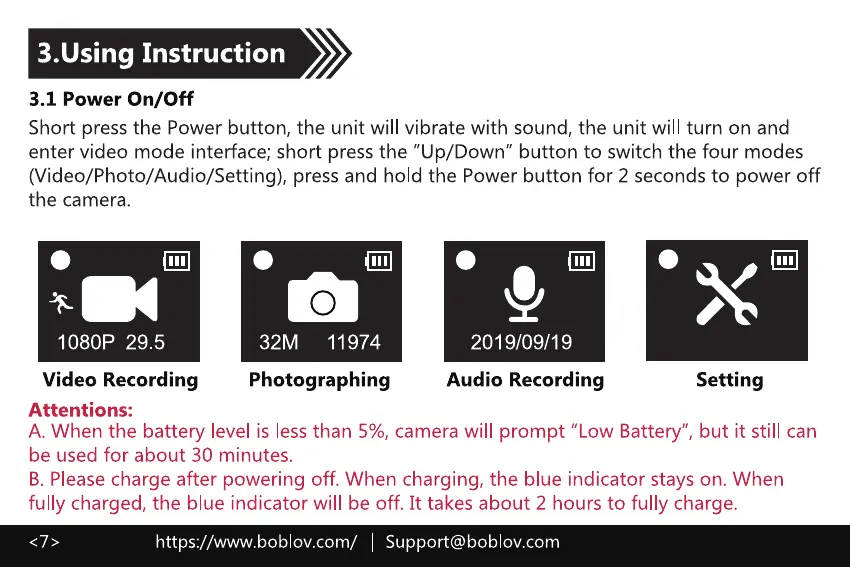
Short press the Power button, the unit will vibrate with sound, the unit will turn on and
enter video mode interface; short press the "Up/Down" button to switch the four modes
(Video/Photo/Audio/Setting), press and hold the Power button for 2 seconds to power off
the camera.
1080P 29.5
Video Recording
Attentions:
32M 11974
Photographing
2019/09/19
Audio Recording Setting
A. When the battery level is less than 5%, camera will prompt "Low Battery", but it still can
be used for about 30 minutes.
B. Please charge after powering off. When charging, the blue indicator stays on. When
fully charged, the blue indicator will be off. It takes about 2 hours to fully charge.
https://www.boblov.com/ I Support@boblov.com



 To Next Page