EasyManua.ls Logo

Body Sculpture BT-5405P - User Manual

Body Sculpture BT-5405P
52 pages
Print Icon
To Next Page IconTo Next Page
Loading...
1
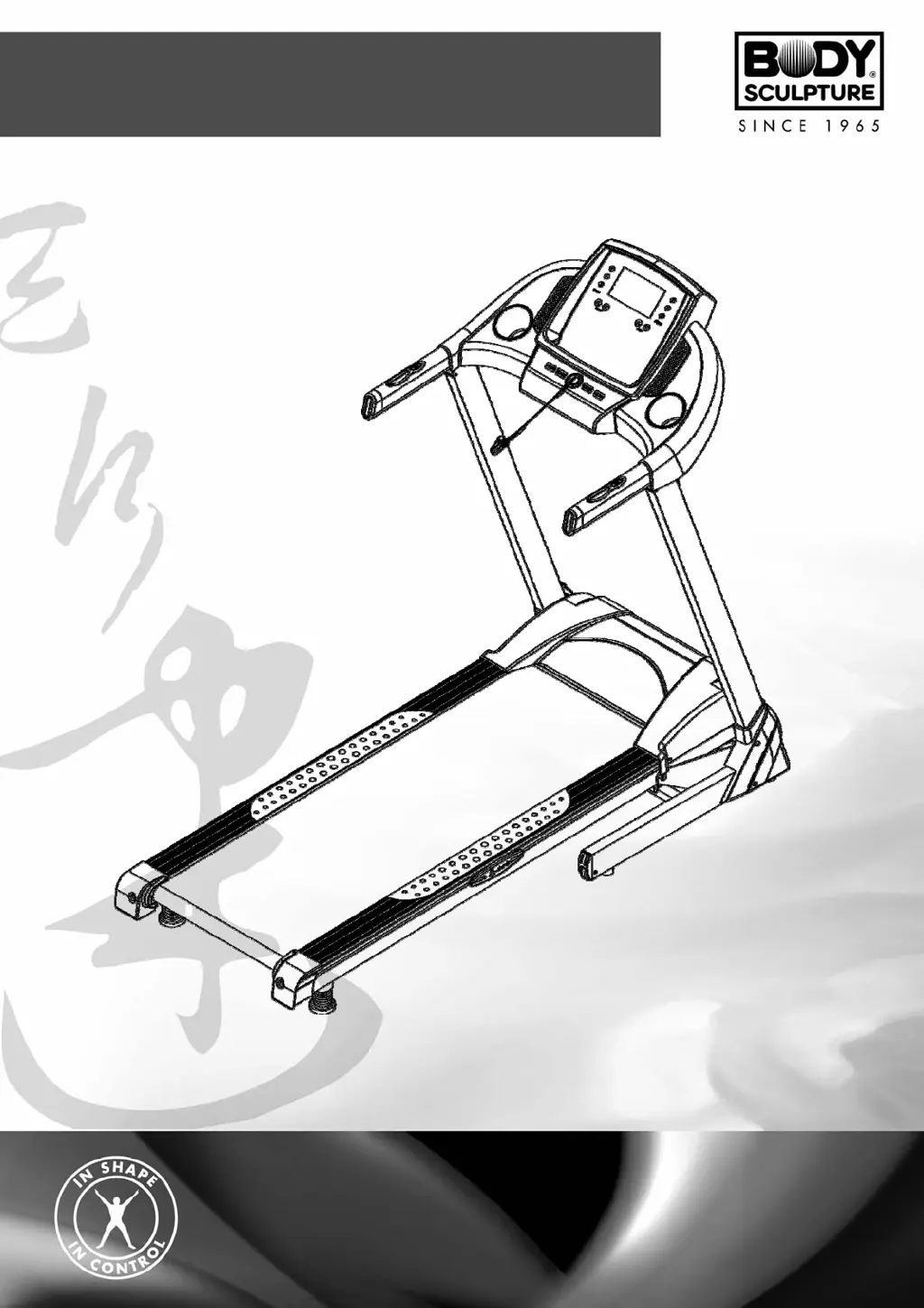
BT-5405P MOTORIZED TREADMILL
USER’S MANUAL
http://www.body--sculpture.com

Questions and Answers

Summary

Important Safety Information

Exploded-View Assembly Diagram

Parts List

Treadmill Assembly and Setup

Initial Frame and Foot Pad Installation

Steps for unpacking, positioning the main frame, and attaching foot pads.

Upright and Computer Frame Attachment

Securing the uprights and computer console to the main frame.

Securing Structural Components

Finalizing frame connections using bolts and washers for stability.

Final Assembly Steps and Safety Key

Attaching base covers and installing the safety key for operation.

Folding and Storage Instructions

Technical Specifications and Grounding

Technical Parameters Overview

Key specifications like dimensions, weight, and user capacity.

Electrical Grounding Guidelines

Essential information for safe electrical connection and grounding.

Safety Key and Usage Basics

Safety Key Functionality

Proper attachment and use of the safety key for immediate stop.

Workout Initiation and Posture

Guidance on starting workouts and maintaining correct posture.

Treadmill Operation Procedures

Warm-up and Cool-down Phases

Recommended stretching and pace adjustments before and after exercise.

End of Session Procedures

Steps to safely power down and clean the treadmill after use.

Walking Belt Adjustment

Adjusting Belt Tension

Method for tightening the walking belt to ensure proper function.

Walking Belt Centering

Treadmill Maintenance Guide

Cleaning the Treadmill

Routine cleaning procedures to maintain performance and longevity.

Belt and Deck Lubrication Schedule

Recommended intervals for lubricating the deck for smooth operation.

Console Operation Overview

Display Window Information

Explains the data shown on the console display.

Key Button Functions

Details the purpose and operation of each console button.

Console Advanced Functions

Speed and Incline Controls

How to adjust speed and incline, including countdown modes.

Built-in Workout Programs

Guide to selecting and using the treadmill's pre-programmed workouts.

Workout Program Customization

Program Data Reference

Table listing speed and incline values for predefined programs.

Creating User-Defined Programs

Steps to set up and save personalized workout routines.

Fitness Testing Features

Heart Rate and Body Fat Measurement

Procedures for heart rate monitoring and body fat analysis.

Data Display and Setting Ranges

Understanding the console's data fields and their adjustable limits.

Additional Treadmill Features

Safety, Power, and Media Options

Information on safety key, power saving, MP3, and USB functions.

Bluetooth App Connectivity and Setup

Download and Install iRunning App

Steps to get the iRunning app on your smart device.

Connect App to Treadmill

Pairing your smart device with the treadmill via Bluetooth.

App Homepage and Personal Data

Navigating the app's main screen and setting up user profiles.

App Information and Network Features

Accessing workout records and using online features.

App Training Modes and Programs

Quick Start Training Mode

Initiating a workout immediately using the Quick Start option.

Program Mode Operation

Selecting and running pre-set workout programs from the app.

Manual Mode Operation

Setting custom time, distance, and calorie goals manually.

User Program Configuration

Creating and saving personalized workout routines in the app.

Heart Rate Control (HRC) Mode

Training based on target heart rate zones for effective workouts.

i-Route Program Features

Route Arrangement and Planning

Setting up and planning custom routes within the i-Route program.

Route Planning Markers

Using push-in markers for start and stop points in route planning.

Sports View Modes

Switching between Standard, Hybrid, and Street View during i-Route workouts.

Incline Simulation in i-Route

Understanding how incline levels are simulated in i-Route.

Route Folding and Display Control

Managing the display of the route map during workouts.

Troubleshooting Common Issues

Communication and Burst Clash Errors (E1, E2)

Resolving communication failures and power/motor connection issues.

Sensor and Incline Errors (E3, E4)

Diagnosing and fixing speed sensor and incline motor problems.

Overload and Driver Issues (E5, E8)

Addressing motor overload protection and driver board problems.

Exercise Notes Section

Body Sculpture BT-5405P Specifications

General IconGeneral
Incline TypeManual
Maximum User Weight100 kg
DisplayLCD
FoldingYes
Programs12

Related product manuals