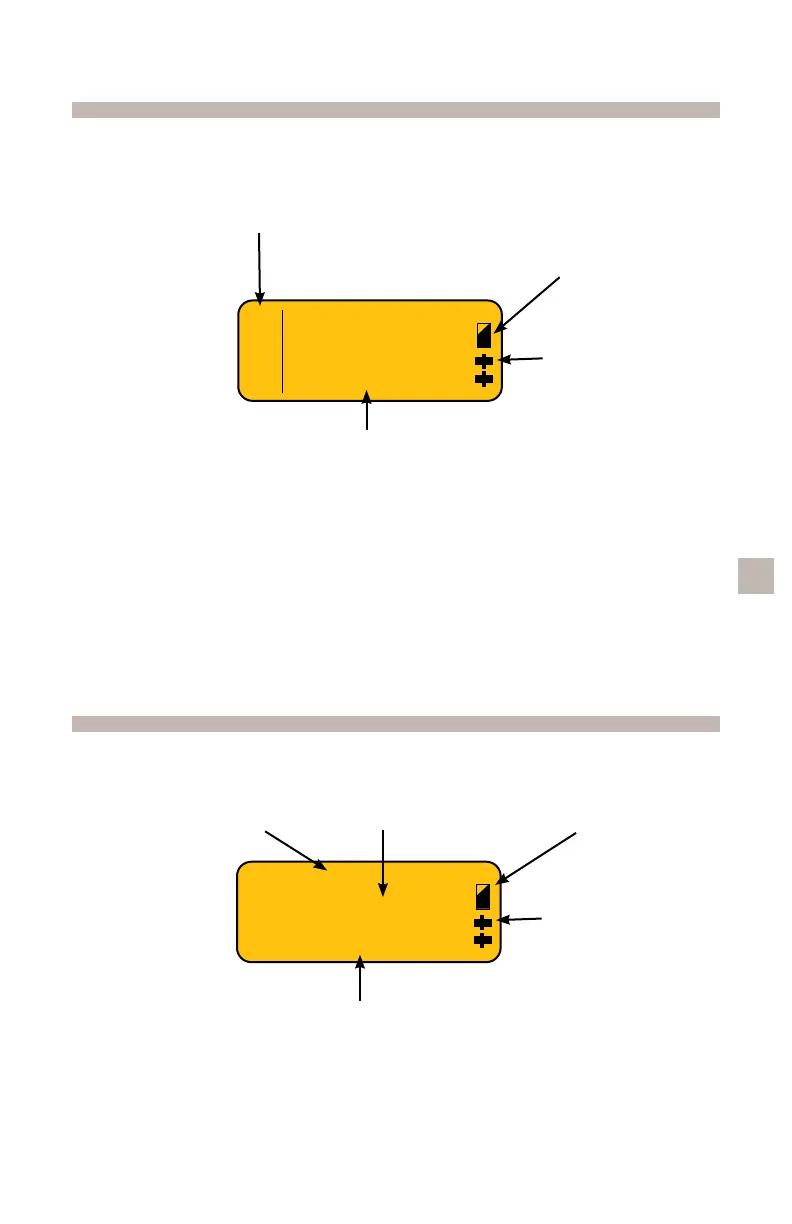
Pump Display Screen
Pump Display Screen (PCA mode only)
Note: The information on your pump’s display screen will be different
depending on your treatment. Your healthcare provider will explain the
information you will see on your pump’s display screen.
Battery Level Indicator
Shows current battery life.
Full black means a full battery.
No black means battery is empty.
Infusion Mode
Infusion Rate
Battery Level Indicator
Infusion Mode
PCA
Infusion Rate
Bolus Volume
Operating
Indicator
Operating
Indicator
Symbols (“drips”)
moving down
the screen mean
pump is
operating.
C
O
N
T
Rate
50 ml/hr
Rate
Bolus
4.5 ml/hr
2 ml
PCA
6



 To Next Page