Bluetooth Connection
1. Power on the speaker and the indicator light blinking blue.
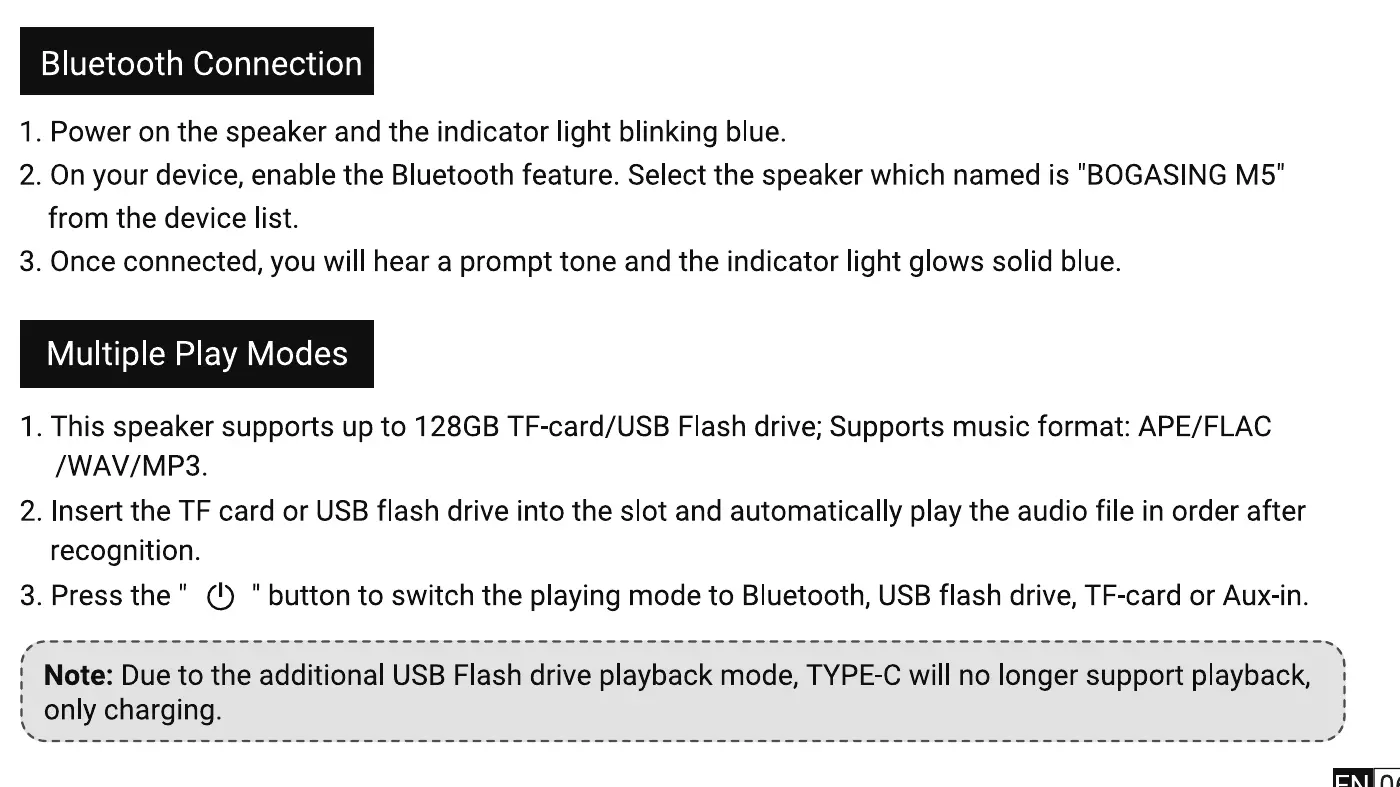
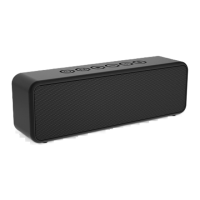
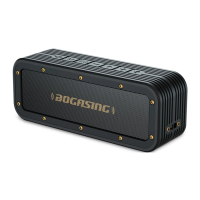
2. On your device, enable the Bluetooth feature. Select the speaker which named is "BOGASING M5"
from the device list.
3. Once connected, you will hear a prompt tone and the indicator light glows solid blue.
Multiple Play Modes
1. This speaker supports up to 128GB TF-card/USB Flash drive; Supports music format: APE/FLAC
/WAV/MP3.
2. Insert the TF card or USB flash drive into the slot and automatically play the audio file in order after
recognition.
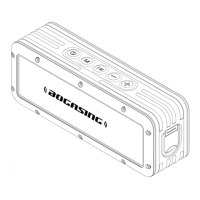
3. Press the" (!) " button to switch the playing mode to Bluetooth, USBflash drive, TF-cardor Aux-in.
Note: Due to the additional USB Flash drive playback mode, TYPE-C will no longer support playback,
only charging.
06


 To Next Page