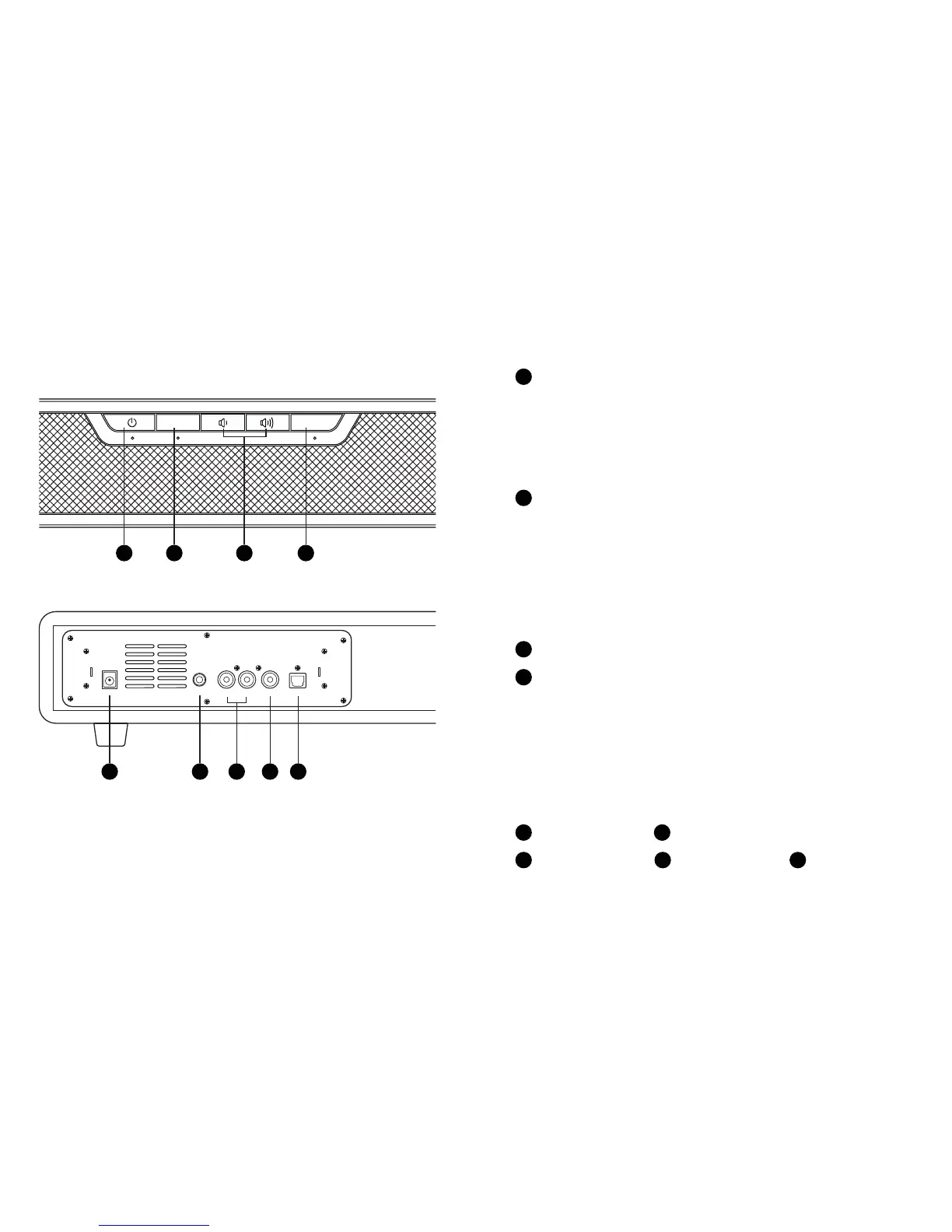
Back View
Front View
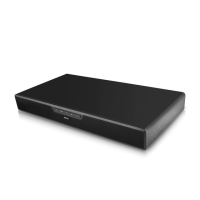
Soundbase Overview
Power
Carefully take the tower body and base out of the packaging.
Take the screws and washers out of packaging. Attach the
base to the body aligning the two holes in the base with the
two holes in the tower, then screw the base into the body.
Setting Up the Soundbase
3421
1
Press the power button to turn the unit off or on. Press again
to put the Soundbase in standby mode.
tRed: Standby
tGreen Flashing: Ready for BT Pairing
tBlue Flashing: Connected to BT
Source2
Press the Source button to switch between bluetooth, line in,
AUX, optical, and coaxial modes.
tGreen Flashing: Bluetooth
tRed and Green Flashing Alternately: Line In
tRed Flashing: AUX
tOrange: Optical
tGreen: Coaxial
tMusic: Best suited for listening to music
tMovie: Best suited for watching movies
tNight: Removes bass power
tGame: Best suited for playing games
Equalizer4
DC 18V Port5 Line In (3.5mm) Port6
AUX (L/R) Port7 Coaxial Port8 Optical Port9
Volume Up/Down3
Press the EQ button to switch the equalizer between music,
movie, night, and game mode.
L--AUX IN--R COAXIAL OPTICALLINE INDC IN 18V
56789
SOURCE EQ
NOTE: The LED light below the button indicates the current setting.


 To Next Page