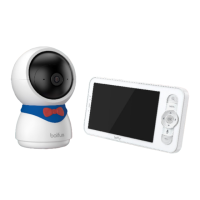
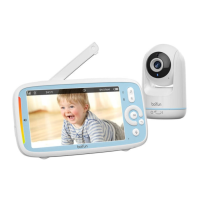
Need help?
Do you have a question about the BOIFUN BABY 25 and is the answer not in the manual?
Get the BoifunCam mobile app from the App Store or Google Play.
Control the audio output volume of the monitor.
Modify the display brightness for optimal viewing.
Set the correct time, date, and display format.
Choose the interface language for the monitor.
Configure the monitor's sleep mode duration.
Control the visibility of the camera's status indicator.
Manage SD card capacity and formatting. Insert/remove safely.
Update camera software via alerts or device information.
Configure motion detection zones and tracking in the app.
Set up Onvif for network access, requiring a password.
 General
| Night Vision | Yes |
|---|---|
| Two-Way Audio | Yes |
| Remote Pan-Tilt-Zoom (PTZ) | Yes |
| Motion Detection | Yes |
| Sound Detection | Yes |
| Temperature Monitoring | Yes |
| Feeding Reminder | Yes |
| Lullabies | Yes |
| Temperature Sensor | Yes |
| Screen Size | 5 inch |
| Display | LCD |
| Battery Life | 8 hours |
| Power Source | Battery & AC Adapter |

 To Next Page