Fade-ins and fade-outs
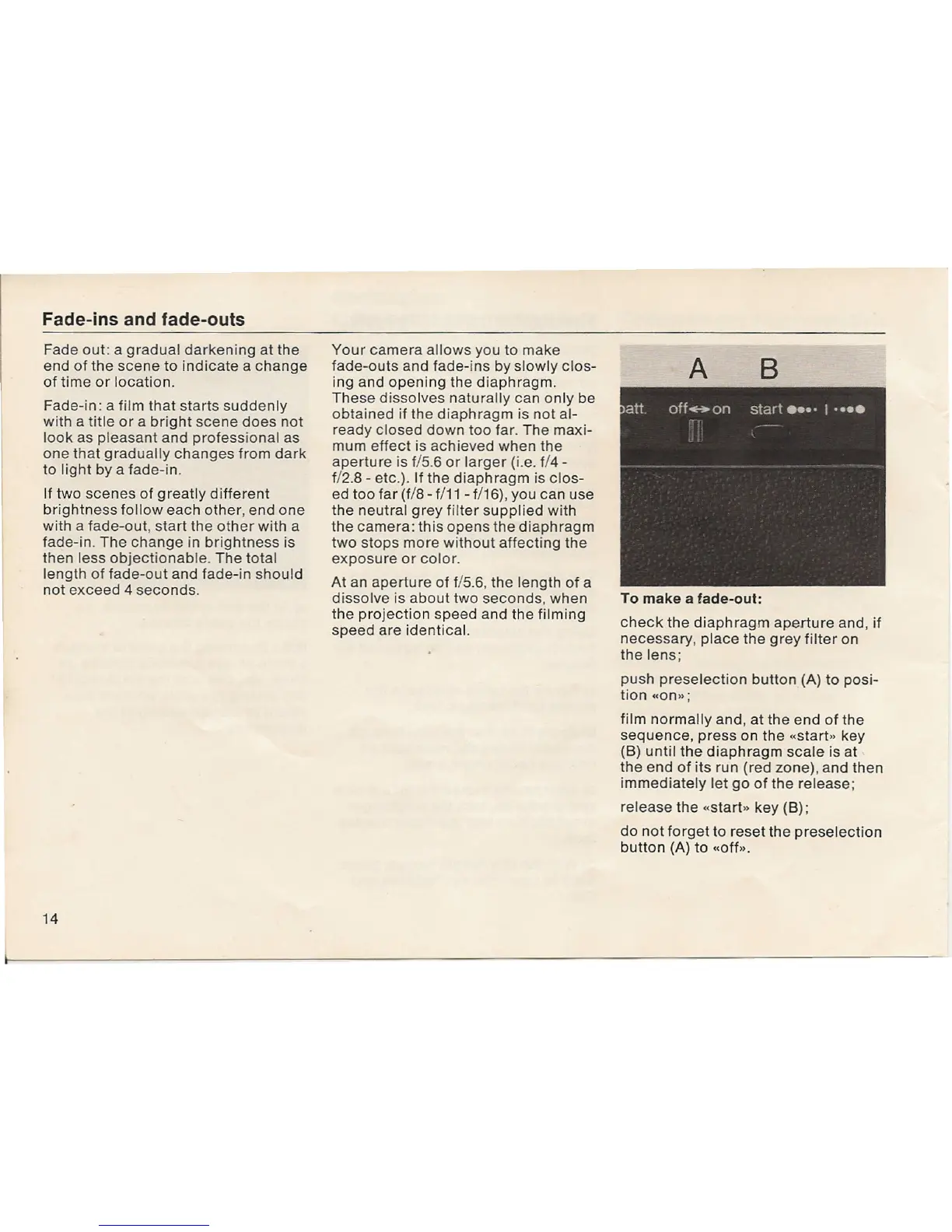
A B
Fade out: a gradual darkening at the
end of the scene to indicate a change
of time or location.
Fade-in: a film that starts suddenly
with a title or a bright scene does not
look as pleasant and professional as
one that gradually changes from dark
to light by a fade-in.
If two scenes of greatly different
brightness follow each other, end one
with a fade-out, start the other with a
fade-in. The change in brightness is
then less objectionable. The total
length of fade-out and fade-in should
not exceed 4 seconds.
14
Your camera allows you to make
fade-outs and fade-ins by slowly clos-
ing and opening the diaphragm.
These dissolves naturally can only be
obtained if the diaphragm is not al-
ready closed down too far. The maxi-
mum effect is achieved when the
aperture is f/5.6 or larger (i.e. f/4-
f/2.8 - etc.). If the diaphragm is clos-
ed too far (f/8 - f/11 - f/16), you can use
the neutral grey filter supplied with
the camera: this opens the diaphragm
two stops more without affecting the
exposure or color.
At an aperture of f/5.6, the length of a
dissolve is about two seconds, when
the projection speed and the filming
speed are identical.
To make a fade-out:
check the diaphragm aperture and, if
necessary, place the grey filter on
the lens;
push preselection button(A) to posi-
tion «on»;
film normally and, at the end of the
sequence, press on the «start" key
(8) until the diaphragm scale is at
the end of its run (red zone), and then
immediately let go of the release;
release the «start" key
(8);
do not forget to reset the preselection
button
(A)
to «off".


 To Next Page
 Loading...