Filming
in daylight and artificial light
Synchro-flashl
synchro-sound socket
To make a fade-in:
check the diaphragm aperture and,
if necessary, place the grey filter on
the lens;
set the preselection button "A" to
«on»;
look through the viewfinder, press
the start key (B) until the diaphragm
scale is at the end of its run (red
zone);
press on the release and, at the same
time, let go of the" start" key (B);
the diaphragm opens slowly until it is
at the working aperture, and you can
continue to film normally;
after completing the sequence, do
not forget to reset the preselection
button "A" to "off".
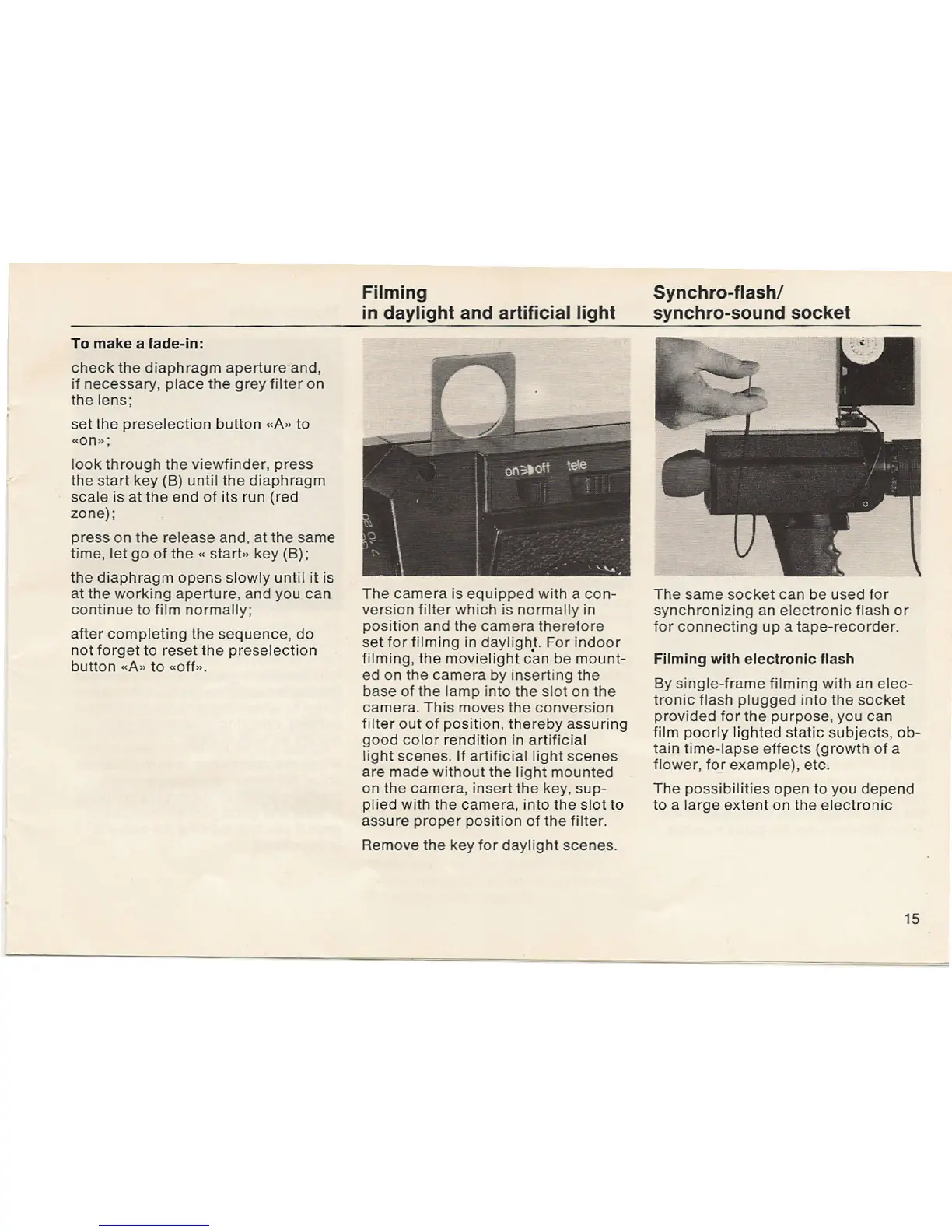
The
camera is equipped with a con-
version filter which is normally in
position and the camera therefore
set for filming in dayliqb]. For indoor
filming, the movielight can be mount-
ed on the camera by inserting the
base of the lamp into the slot on the
camera. This moves the conversion
filter out of position, thereby assuring
good color rendition in artificial
light scenes. If artificial light scenes
are made without the light mounted
on the camera, insert the key, sup-
plied with the camera, into the slot to
assure proper position of the filter.
Remove the key for daylight scenes.
The same socket can be used for
synchronizing an electronic flash or
for connecting up a tape-recorder.
Filming with electronic flash
By single-frame filming with an elec-
tronic flash plugged into the socket
provided for the purpose, you can
film poorly lighted static subjects, ob-
tain time-lapse effects (growth of a
flower, for example), etc,
The possibilities open to you depend
to a large extent on the electronic
15


 To Next Page
 Loading...