EasyManua.ls Logo

bolid S2000-APA - User Manual

bolid S2000-APA
32 pages
Print Icon
To Next Page IconTo Next Page
Loading...
ISO 9001
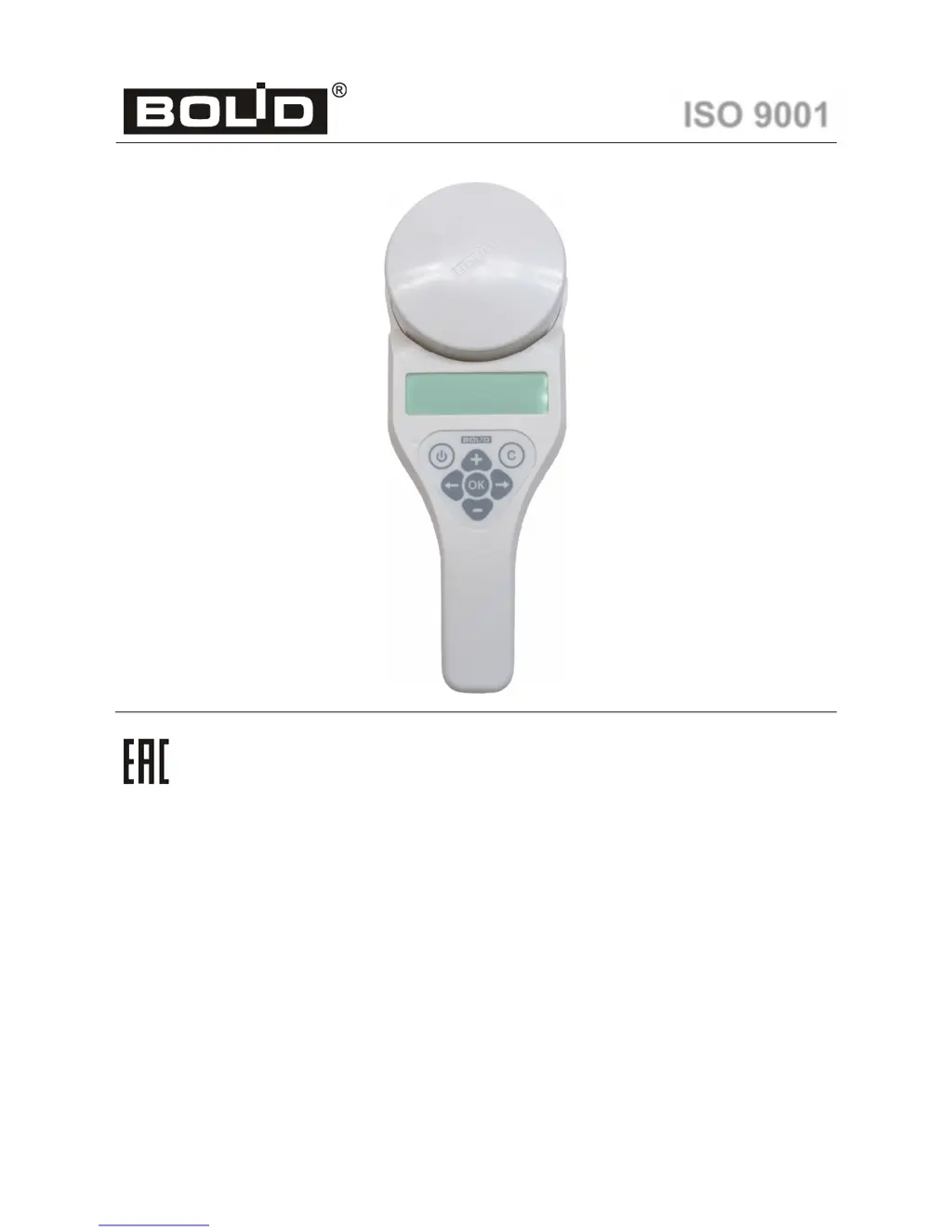
Standalone Addressable Device Programmer
S2000-APA
Users Manual

Questions and Answers

Summary

General Information

Technical Specifications

Details power voltage, battery capacity, dimensions, weight, operating temperatures, and ingress protection rating.

Standard Delivery Contents

Lists items included in the standard package for the programmer.

Safety Precautions

Provides warnings regarding operating temperatures and environmental conditions.

Product Description and Appearance

Main Menu Navigation

Programmer Adjustments

Data Communication Protocol Setup

Details how to select and set the DPLS or PA protocol for device communication.

Backlight Brightness Adjustment

Instructions for adjusting the display backlight brightness level.

LCD Contrast Adjustment

Steps to adjust the contrast level of the LCD display for better readability.

Backlight Auto-Off Timer

How to configure the time delay before the backlight automatically turns off.

Auto-Power Off Configuration

Instructions for setting the automatic shutdown timer for the programmer.

Sound Settings Adjustment

How to enable or disable sound effects for the programmer's operations.

Battery Status Monitoring

Details on how to check the current battery percentage and voltage.

Changing Device Addresses

DPLS Protocol: Change Address

Step-by-step guide to changing the address of an addressable device using the DPLS protocol.

PA Protocol: Change Address

Instructions for changing addresses of devices using the PA protocol.

Setting Address Ranges

Reading Device Data

DPLS Protocol: Read Parameters

How to read operational parameters of addressable devices via the DPLS protocol.

PA Protocol: Read Status

Instructions for reading the operational status of addressable devices using the PA protocol.

Programmer Information

Programmer Device Data

Displays information about the programmer's type, firmware version, model, revision, date, and ID.

Manufacturer Identification

Shows the manufacturer's name and company details.

Manufacturer Address Details

Provides the physical address of the manufacturer.

Company Contact Information

Lists the company's phone and fax numbers.

Manufacturer Website and Email

Provides the manufacturer's website and email address for further information.

Connecting for Charging

Firmware Update Procedure

Troubleshooting Common Issues

Maintenance Guidelines

Storage Recommendations

Transporting Instructions

Manufacturer Contact and Data

Certifications and Compliance

Product Acceptance Confirmation

bolid S2000-APA Specifications

General IconGeneral
Brandbolid
ModelS2000-APA
CategoryMotherboard
LanguageEnglish