EasyManua.ls Logo

Bolt VC-310N - User Manual

Bolt VC-310N
40 pages
Print Icon
To Next Page IconTo Next Page
Loading...
Inspiration strikes
Inspiration strikes
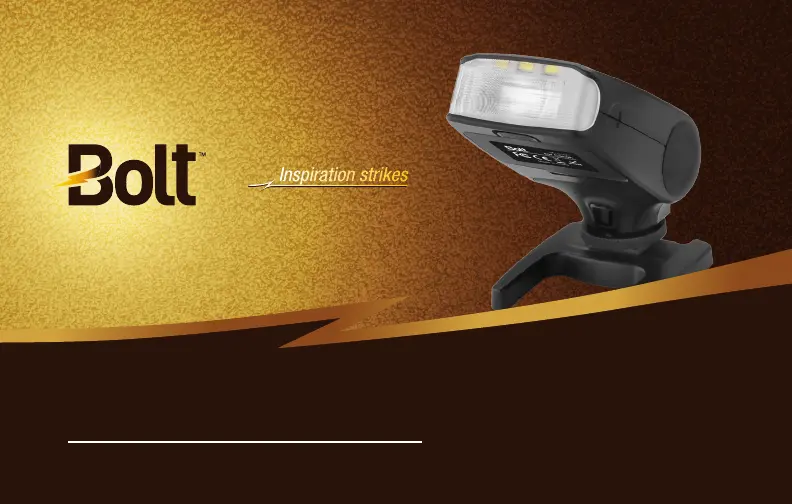
VC-310N
COMPACT ON-CAMERA TTL FLASH
User’s Manual

Questions and Answers

  • A
    Amy SnyderAug 2, 2025
    What to do if my Bolt VC-310N Camera Flash is on but won’t fire?
    • T
      Tammy BoydAug 2, 2025
      If your Bolt Camera Flash is on but not firing, there might be a few reasons. First, ensure you've installed fresh batteries correctly. Also, check that the flash is securely attached to your camera. Dirty electrical contacts on the flash's foot can also prevent it from firing; try cleaning them. Finally, the flash may have activated its overheating protection mode; turn it off for 2–5 minutes to allow it to cool down.
  • V
    veronica86Aug 9, 2025
    Why do the edges of my images look dark when using Bolt VC-310N Camera Flash?
    • A
      Annette HubbardAug 9, 2025
      If the edges of your images appear dark when using the Bolt Camera Flash, ensure that the flash output power setting matches the focal length of your lens.
  • D
    Debra JonesAug 17, 2025
    What to do if the Bolt VC-310N Camera Flash wireless slave light is not noticeable in the picture?
    • C
      Catherine SmithAug 17, 2025
      If your Bolt Camera Flash is set up as a wireless slave but the light isn't noticeable in the picture, check that the master flash is within the transmission range and that the wireless sensor on the slave unit is pointed towards the master flash. Also, remove any obstructions between the two flashes. High ambient light may also be the reason.
  • D
    Dylan MatthewsAug 26, 2025
    Why do the bottoms of my images look dark when using Bolt VC-310N Camera Flash?
    • E
      Eric BarreraAug 26, 2025
      The bottoms of the images may look dark if your camera’s shutter speed is higher than the flash’s maximum sync speed in manual mode.

Summary

Safety Warnings

Installing Batteries

Mounting the Flash

Powering On and Test Shot

Operational Modes and Features

Automatic i-TTL Flash Operation

Flash Exposure Compensation

How to adjust flash output for optimal exposure when using TTL mode.

Manual Flash Operation

Stroboscopic (Repeat) Mode

Advanced Flash Capabilities

High-Speed Sync (HSS)

Enables flash sync at shutter speeds faster than native sync, up to 1/8000s.

Wireless Master;Slave Setup

Key Wireless Terms

Defines 'Master' (controls slaves) and 'Slave' (controlled unit) roles.

Wireless System Configuration

Groups and Channels

Organizing slave units into groups (A, B, C) and using channels for communication.

Setting the Flash as Wireless Master

Configuring Wireless Slave Groups

Disabling Slave Groups

Setting the Flash as Wireless Slave;Remote

Manual Optical Slave Modes S1;S2

S2 Mode and Settings

Troubleshooting Common Problems

Bolt VC-310N Specifications

General IconGeneral
BrandBolt
ModelVC-310N
CategoryCamera Flash
LanguageEnglish