EasyManua.ls Logo

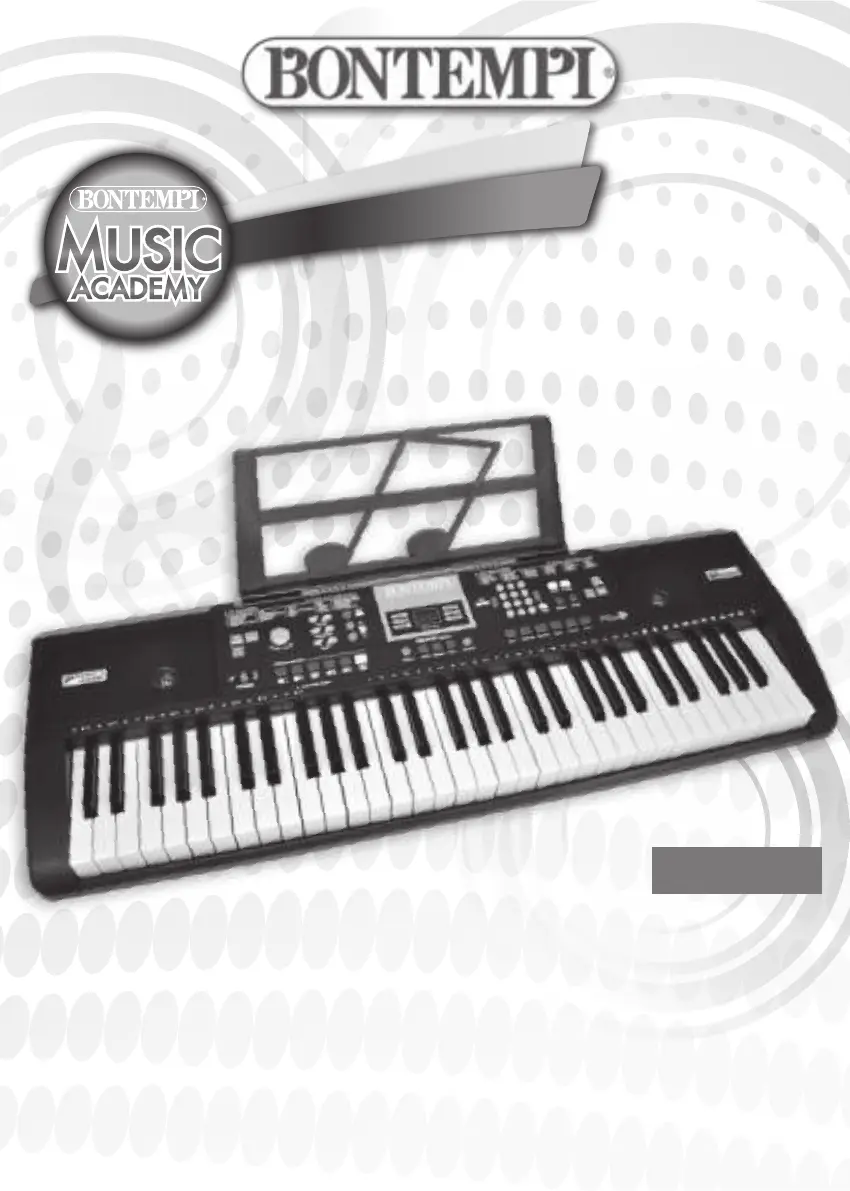
Bontempi 16 6115 - User Manual

Bontempi 16 6115
52 pages
Print Icon
To Next Page IconTo Next Page
Loading...
GB - OWNER’S MANUAL ....................2
F - MANUEL D’ INSTRUCTIONS ............9
D - BEDIENUNGSANLEITUNG ...........16
E - LIBRO DE INSTRUCCIONES ...........23
P - MANUAL DE INSTRUÇÕES ............30
I - MANUALE DI ISTRUZIONI ............37
61 key Digital Keyboard
16 6115

Questions and Answers

  • G
    Grant LiAug 5, 2025
    What to do if my Bontempi Musical Instrument does not play or has distorted sound?
    • J
      Jennifer ChapmanAug 5, 2025
      If your Bontempi Musical Instrument doesn't play or the sound is distorted, it could be due to discharged batteries. Try inserting new batteries. Also, check if the batteries are inserted correctly. If you're using a mains adapter, ensure it's suitable for the instrument.
  • J
    John FuentesAug 15, 2025
    Why does my Bontempi Musical Instrument switch on and off when pressing keys?
    • J
      James JohnsonAug 15, 2025
      If your Bontempi Musical Instrument switches on or off when keys are pressed, the batteries may be discharged. Try inserting new batteries.
  • B
    Brittney WhitneyAug 25, 2025
    What to do if the display on my Bontempi 16 6115 Musical Instrument does not light up?
    • M
      Morgan BellAug 25, 2025
      If the display of your Bontempi Musical Instrument does not light up, check the batteries or the mains adapter.

Summary

POWER SUPPLY

Mains and Battery Operation

Explains powering the instrument via AC adapter or batteries.

Battery Use Recommendations

Provides recommendations for using and handling batteries safely.

Waste Disposal Standards

Outlines procedures for environmentally sound disposal of batteries, packaging, and appliances.

CONTROL PANEL

Control Panel Overview

Details the layout and function of various buttons and controls on the instrument.

Connectivity Sockets

Describes the available ports for connecting external devices like USB drives or headphones.

TECHNICAL SPECIFICATIONS

Instrument Specifications

Lists the key technical characteristics of the keyboard, such as polyphony and dimensions.

Keyboard Playing Guide

Explains how to play melodies and chords using musical scores and keyboard layout.

KEYBOARD FEATURES

Sound and Effects Control

Covers selecting sounds, and using Sustain, Vibrato, and Echo effects.

Transposer and Split Modes

Details how to change pitch and divide the keyboard for different playing styles.

Rhythm and Fill-in Control

Explains how to select rhythms and use fill-in variations for musical accompaniment.

OPERATING MODES

Chord Accompaniment

Explains different methods for playing chords to create musical accompaniment.

Performance Recording

Describes how to record and play back musical performances or sequences.

USB Media Player

Guides on using the USB port to play MP3 songs from a flash drive.

SONGS AND PLAYBACK

Song Playback Configuration

Instructions on selecting sound, style, and tempo for pre-recorded songs.

Melody and Chord Playback

Explains how to play melodies and chords using the easy mode for songs.

TROUBLESHOOTING GUIDE

Common Issues and Solutions

Lists common problems with the instrument and provides corresponding solutions.

REFERENCE LISTS

Sounds List

A comprehensive list of all available instrument sounds and their corresponding numbers.

Rhythms List

A catalog of all 100 available rhythm styles with their respective names and numbers.

Songs List

An index of all 60 pre-recorded songs, showing their titles and corresponding numbers.

Table of Chords

Visual guides for playing chords in both Single Finger and Finger Chord modes.

PRODUCT CARE

Cleaning Instructions

Provides guidance on how to clean the instrument safely using mild solutions.

Bontempi 16 6115 Specifications

General IconGeneral
BrandBontempi
Model16 6115
CategoryMusical Instrument
LanguageEnglish

Related product manuals