Set Up Your Device
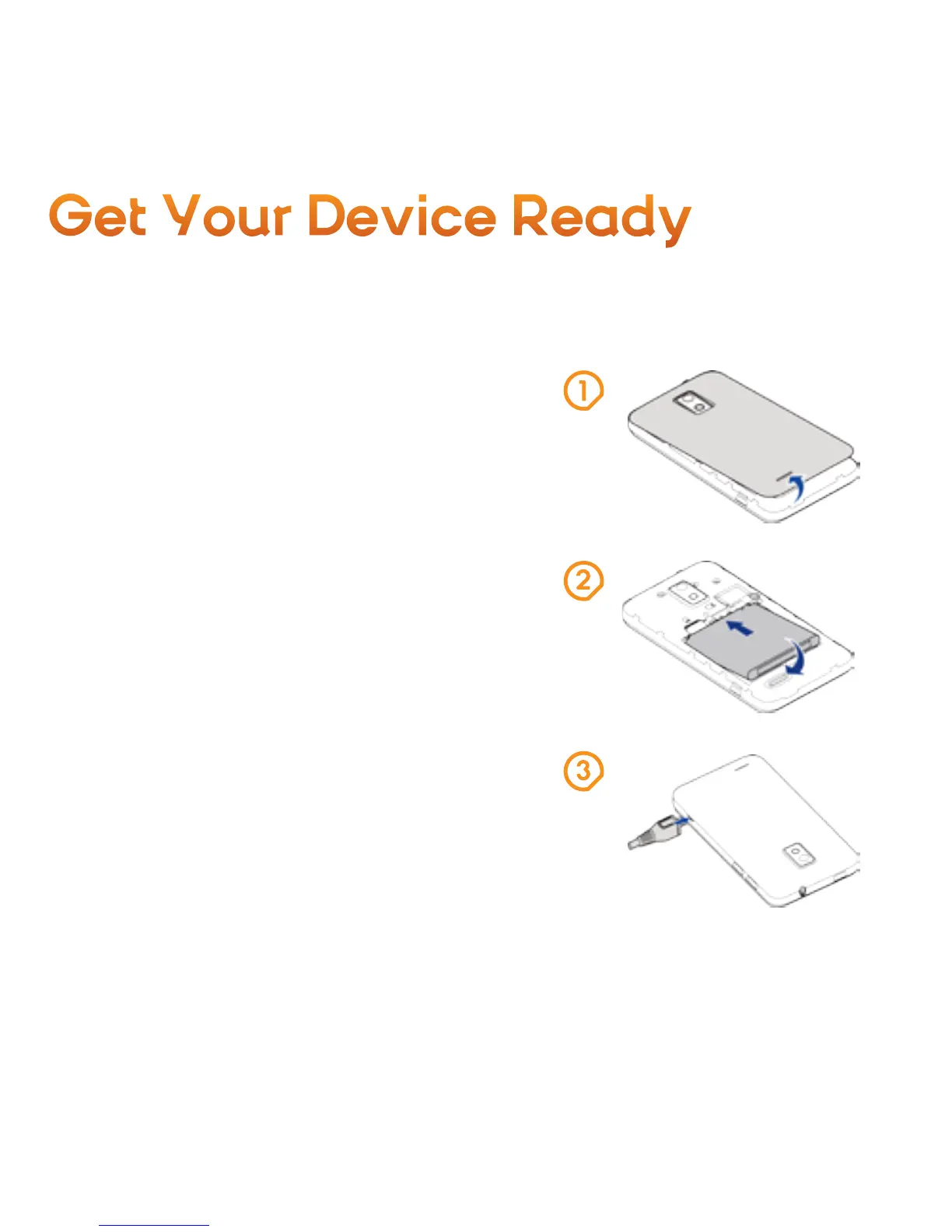
You must first install and charge the battery
to begin setting up your device.
1. Remove the back cover.
2. Insert the battery by aligning the metal
contacts on the battery with the metal
contacts in the battery compartment.
Gently push down on the battery until it
clicks into place.
3. Press the cover gently back into place
until you hear a click.
4. Connect the adapter to the charger jack
Ensure that the adapter is inserted with
the correct orientation. Do not force the
connector into the charger jack.
5. Connect the charger to a standard
AC wall outlet.
6. Disconnect the charger when the battery
is fully charged.
Get Your Device Ready



 To Next Page