BDVM-8360UBT Multimedia Set Up Menu
Control Locations – Remote
[7] Default setup:
With this option you can clear all your setup and resume default setup.
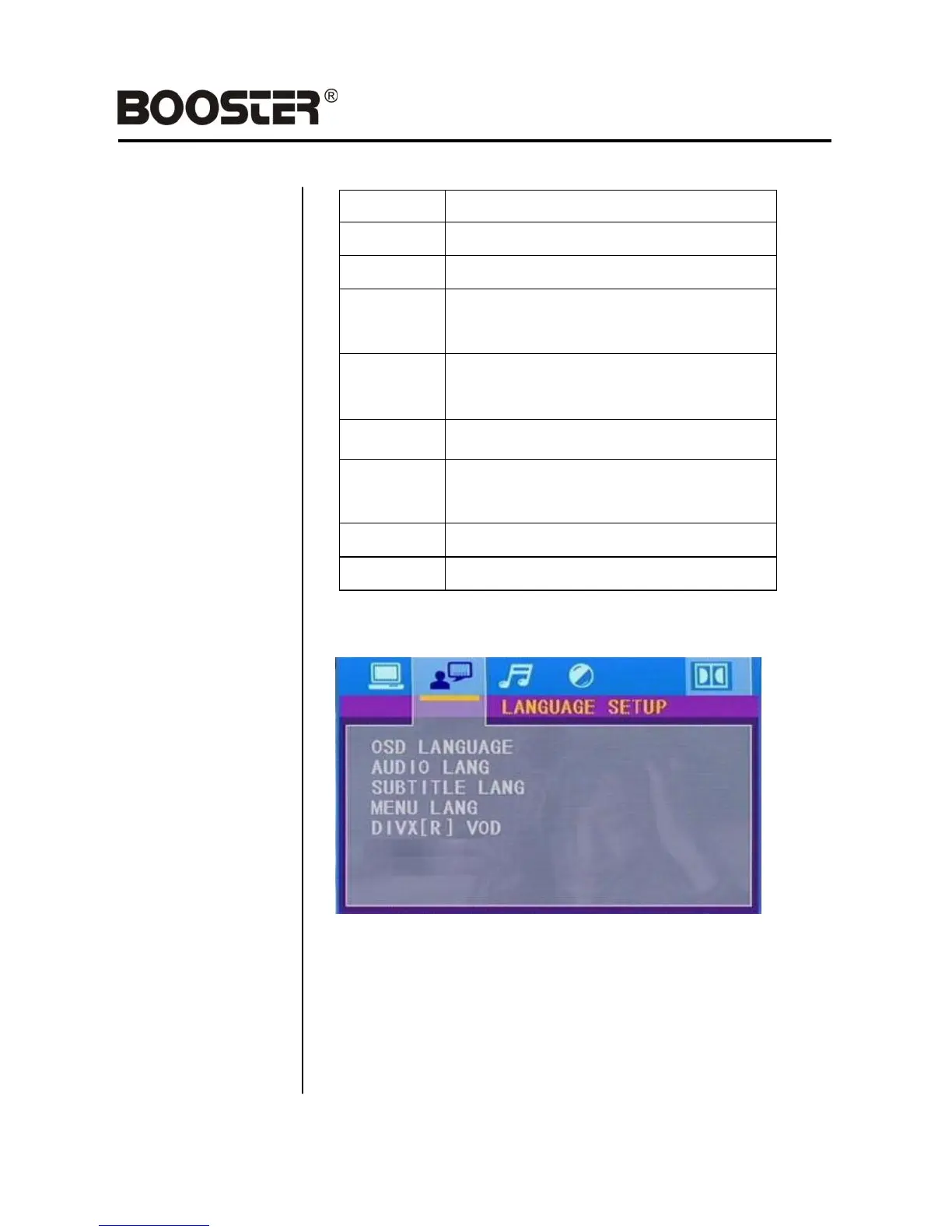
LANGUAGE setup
[1]. OSD language setting:
With this option you can select the language for your On Screen Display
(OSD).
[2].Audio Lang setting:
With this option you can select the preferred language for the audio
output. When the selected language is recorded on the Multimedia files
or DVD (not all Multimedia files or DVD‟s have multiple languages
recorded) then this language will automatically be played. If not, the first
language recorded on the Multimedia file or DVD is played.
– 19 –
Restricted, under 17 requires accompanying
parent or adult guardian.


 To Next Page