BDVM-8360UBT Multimedia Set Up Menu
Control Locations – Remote
[2]. Contrast setting:
With this option you can change the Contrast setting of the image.
[3]. Hue setting:
With this option you can change the Hue setting of the image.
[4]. Saturation setting:
With this option you can change the Saturation setting of the image.
[5]. Sharpness setting:
With this option you can change the Sharpness setting of the image.
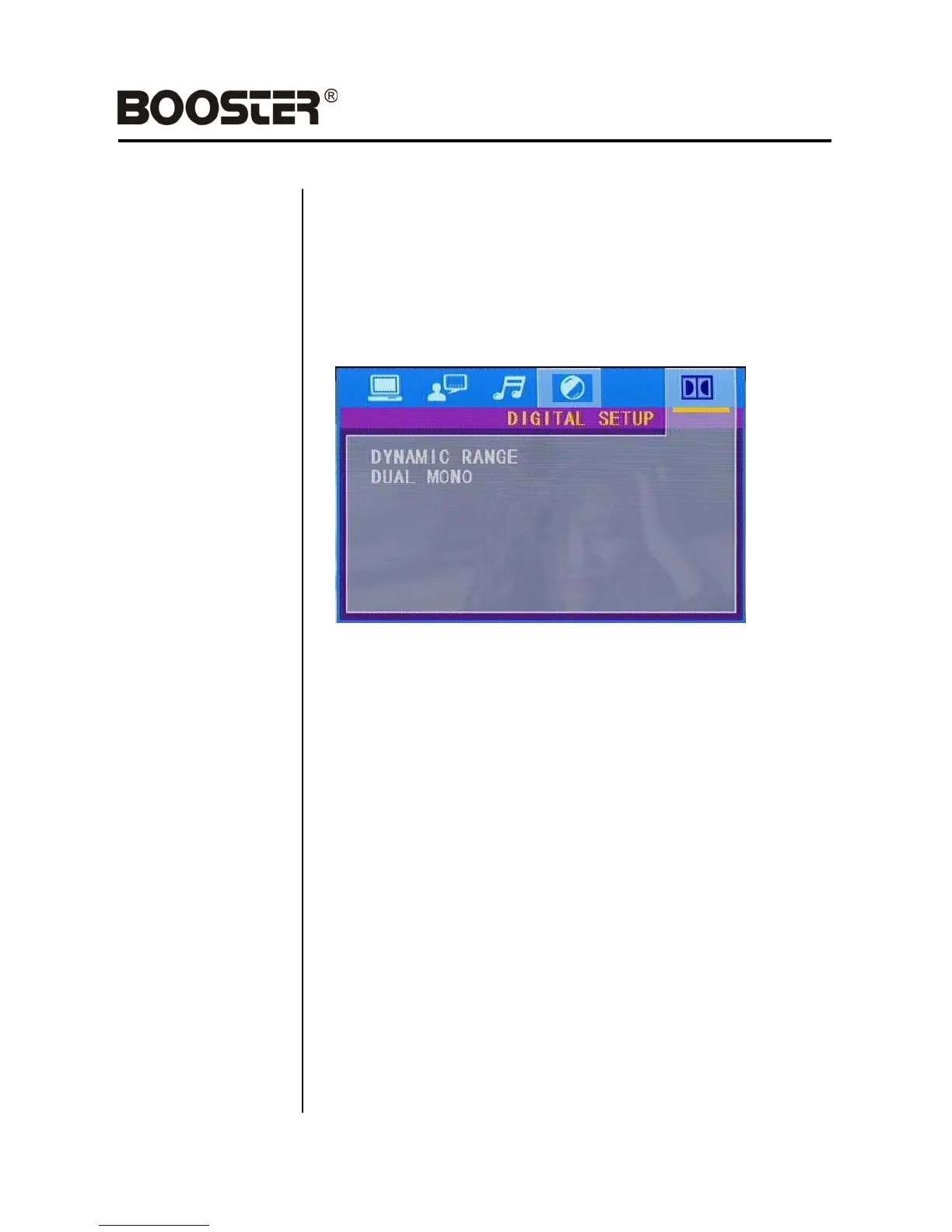
DIGITAL setup
[1] Dynamic setup:
This function is to adjust the linear compression rate to obtain the
different compression results of the signals. Standard set to OFF.
[2] Dual Mono setup:
Select the type of output of the Left and Right audio output connectors.
Stereo is normal Stereo, L-Mono is all sound on the Left Audio output,
R-Mono is all sound on the Right channel. The „Mix-Mono‟ function only
works when a Multimedia files or DVD is being played in DTS 5.1 mode.
–21–


 To Next Page