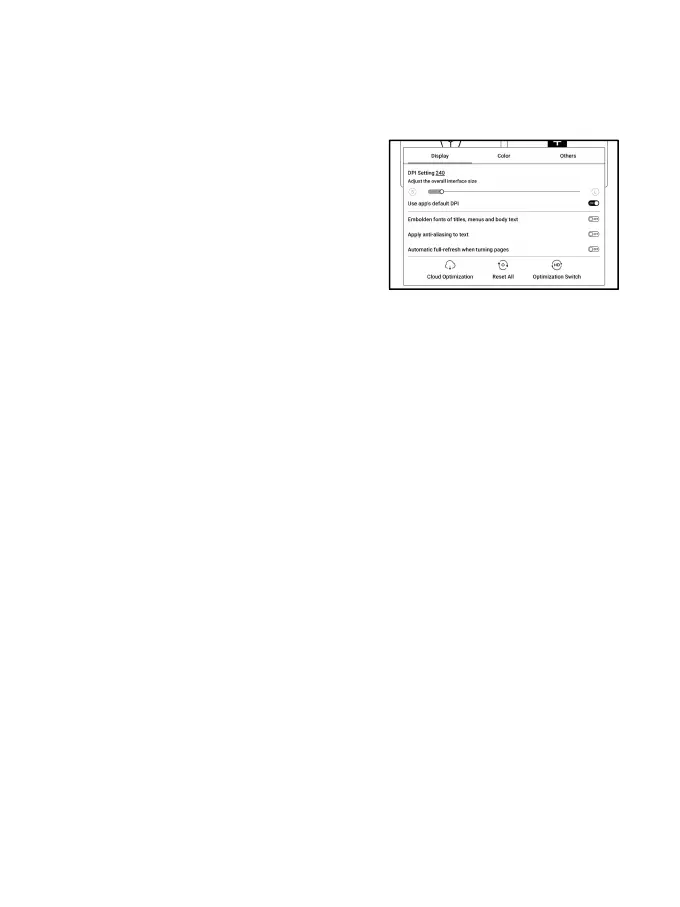
long-press an app’s icon to choose “ Optimize”.
Display
DPI: Adjust the overall interface
size and its default value is 350.
If some apps (such as Kobo) are
adjusted to the minimum value and the edges are still cut
off, please switch back to the original DPI value of the apps.
Anti-aliasing: Make the text edge sharper
Cloud Optimization: Some apps have been optimized for
better performance. Obtain the optimization with just one
click after connecting to the internet.
Reset All: All optimization settings will be reset.
Optimization Switch: The main switch. After it is turned off,
some optimization effects will be canceled, but the
configuration will not be reset.



 To Next Page