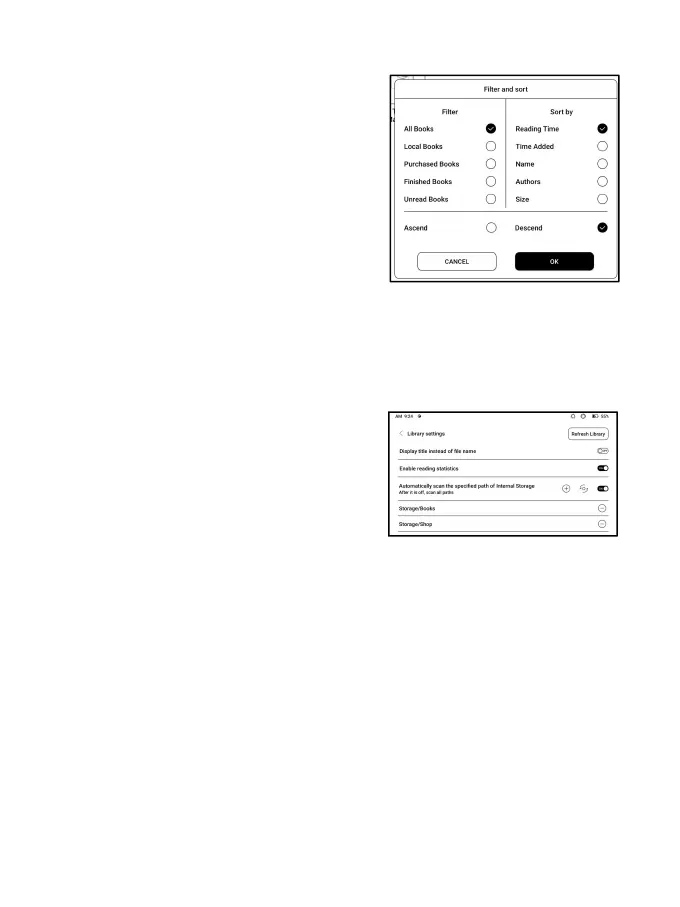
Filter and sort
Apply to all eBooks by default
and sort by the recent reading
time in descending order;
Library Settings
You can choose to display title
instead of file name,
enable/disable reading
statistics, or choose scan path.
The default scan path is: Books and shop in Storage. You
can customize the scan path and choose to auto-scan the
specified path.
Note: In the following case, some documents will be
removed from the Library after the Library is refreshed. You



 To Next Page