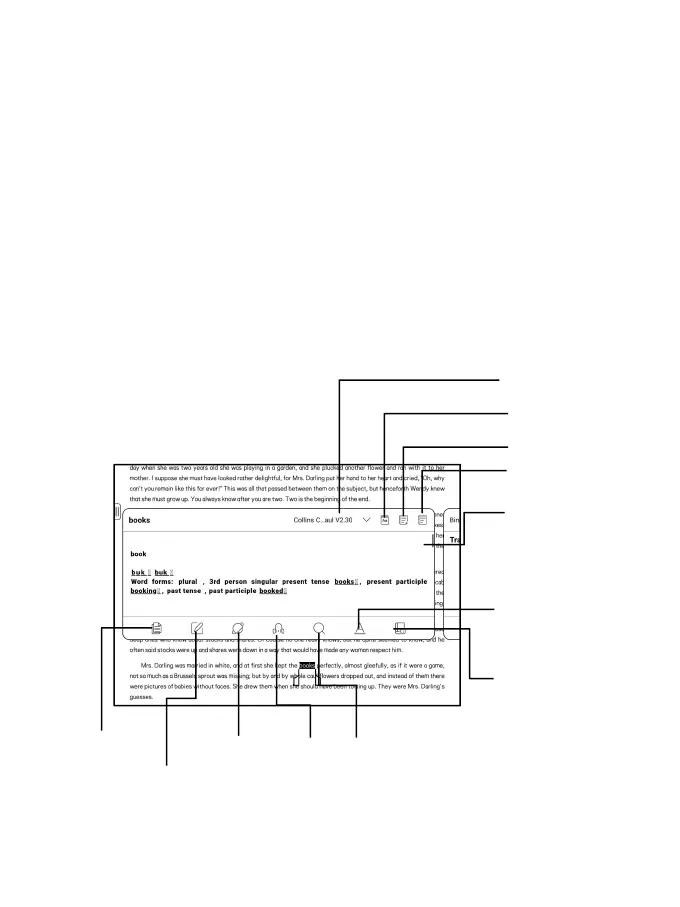
Long press to select a word
Long press a word to call out the dictionary dialog box. You
can switch between different dictionaries. Select the one
you want from the dropdown list.
This function requires you to install dictionaries. If you
haven’t installed a dictionary, you cannot look for words.
Tap any area outside of the dictionary dialog box to exit it.



 To Next Page