The pages that have used OCR will show the OCR icon in
the upper right corner. Check all recognized pages from
Contents/Bookmarks where you can quickly locate and
jump to the relevant pages. Tap the OCR icon on the upper
right corner to clear OCR content.
Reading Menu at the bottom (PDF)
The menu includes Contents, Progress, Format, Contrast,
Navigation.
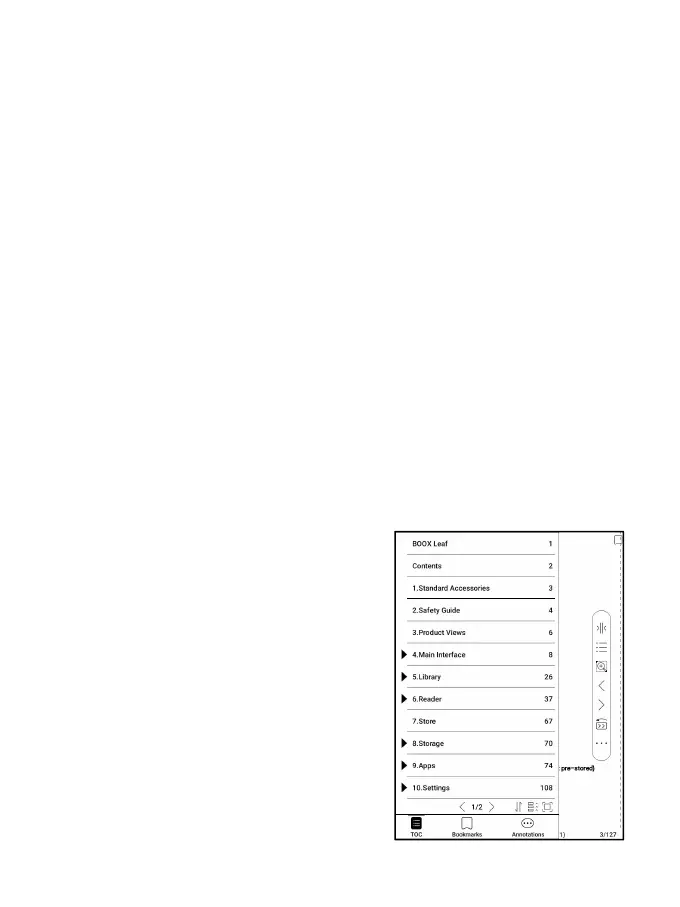
Contents
This section includes TOC,
Bookmarks, Annotations.
TOC supports a 3-level
structure. The current page is



 To Next Page