the text, making the display darker;
Picture dithering: Optimize the display effect of pictures
with gradient colors;
Navigation
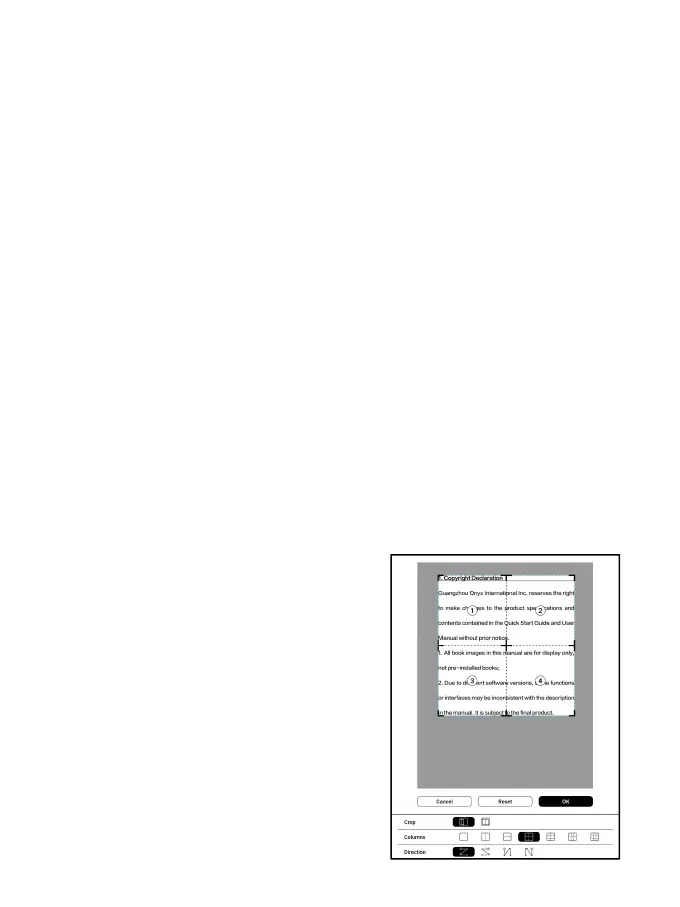
This section includes Comic Mode, Article Mode, Reflow,
and more custom settings. You can crop a scanned PDF,
divide it into columns, and set its browsing orders.
Navigation / More
Crop: You can manually crop the
blank margin in either
single-page or dual-page
modes.
Columns: Divide the current doc
into different columns
Direction: Set the reading order



 To Next Page